


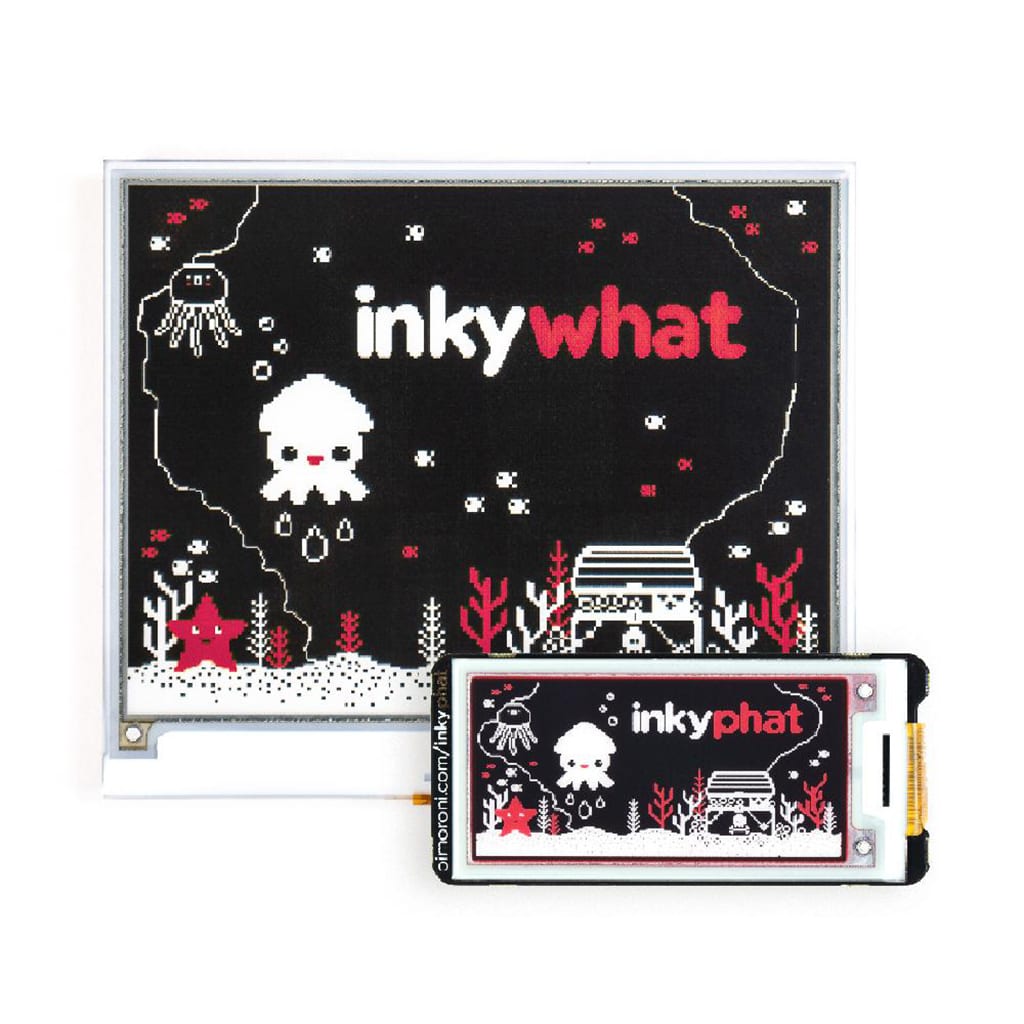


Inky wHAT: e-Ink Display
53,89€
Only 1 left in stock

 Do you have any further questions?
 Inky wHAT: 400×300 Pixels ePaper Display
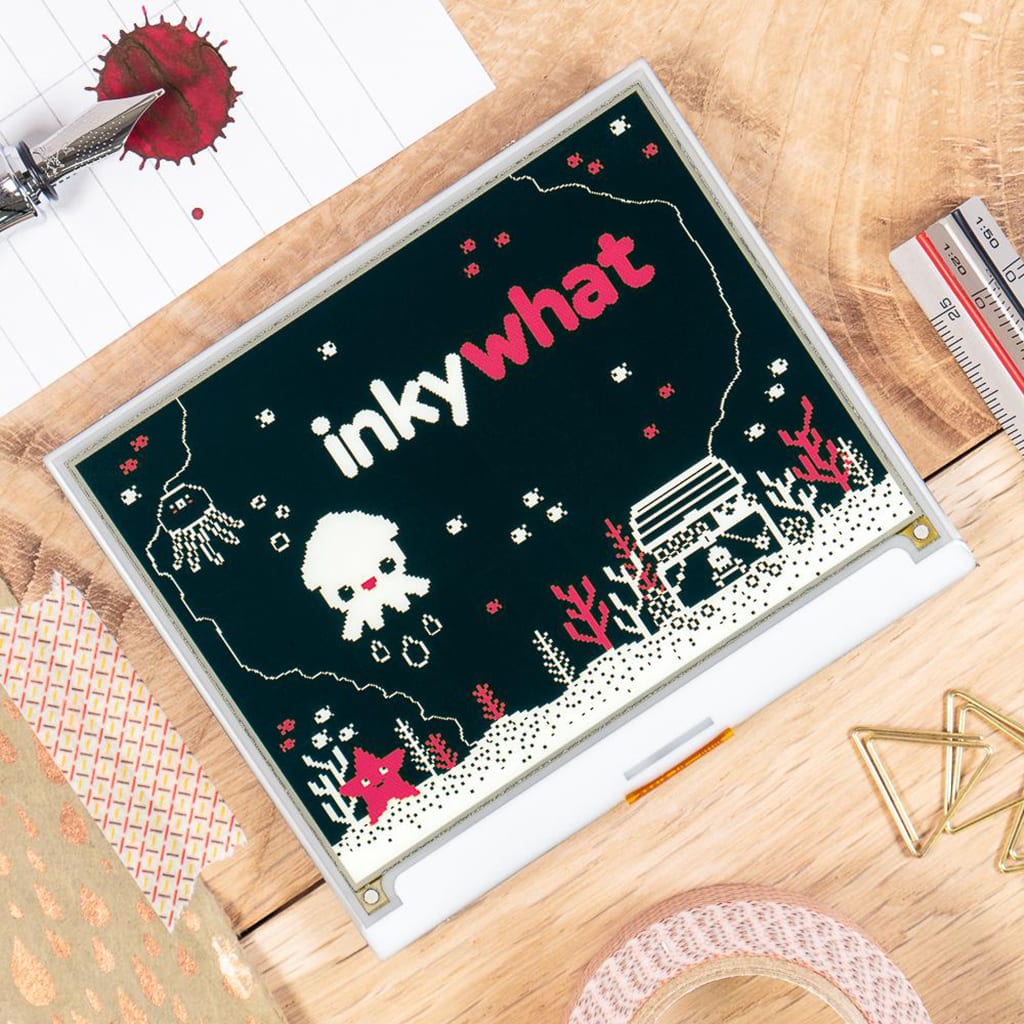
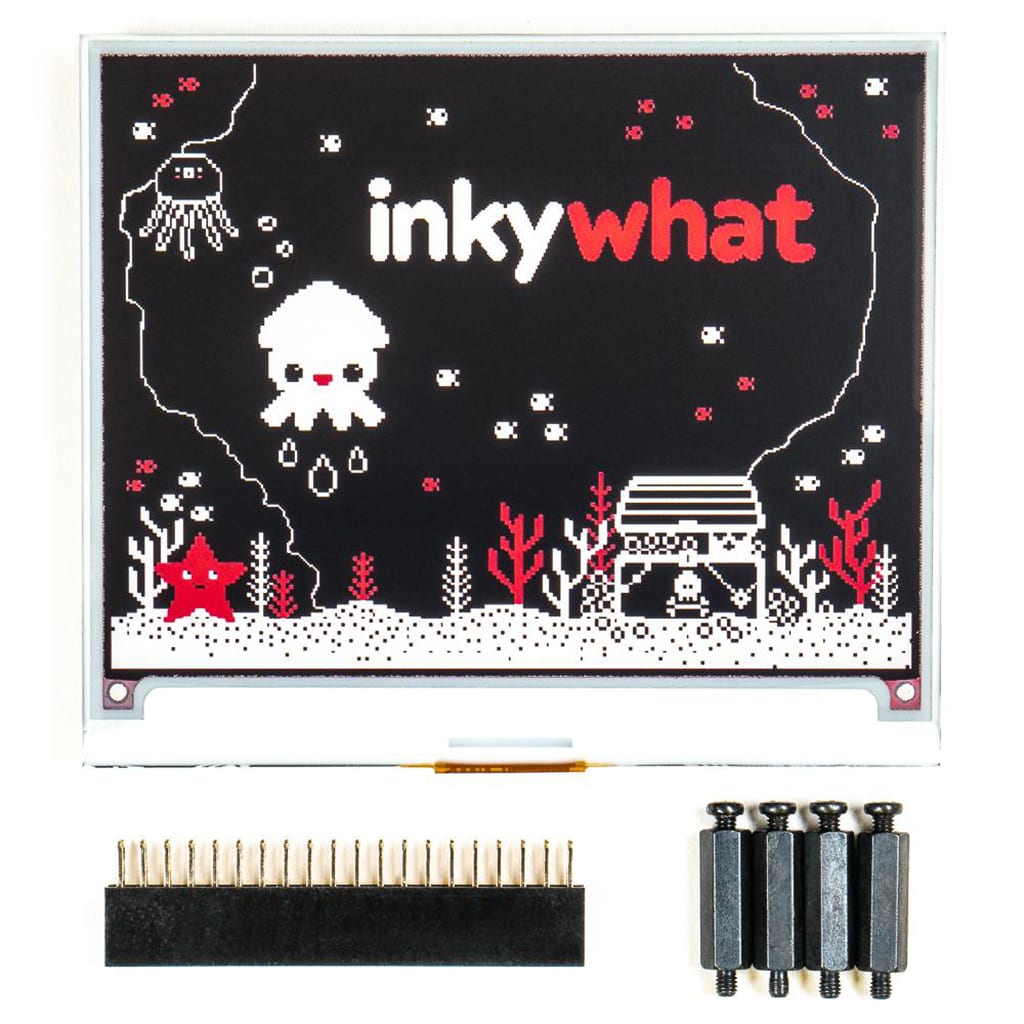
Inky wHAT is a fantastic ePaper (eInk / EPD) display for Raspberry Pi with a resolution of 400×300 pixels. This Pimoroni product is essentially a larger version of the well-known Inky pHAT display. It offers more than 5 times the number of pixels and a colour scheme of red/black/white.
Inky wHAT is larger than a pHAT-sized board, providing much more space for information and greater flexibility compared to the Inky pHAT. However, the display remains highly readable and sharp even in full sunlight, just like the Inky pHAT.
This wHAT ePaper display can be used in many ways, such as showing weather updates, acting as a calendar, diary, note-taking device, or personal to-do list. It can also be used as a small DIY e-reader for comfortably reading your e-books.
Inky wHAT features are:
- 4.2″ EPD display (400×300 pixels)
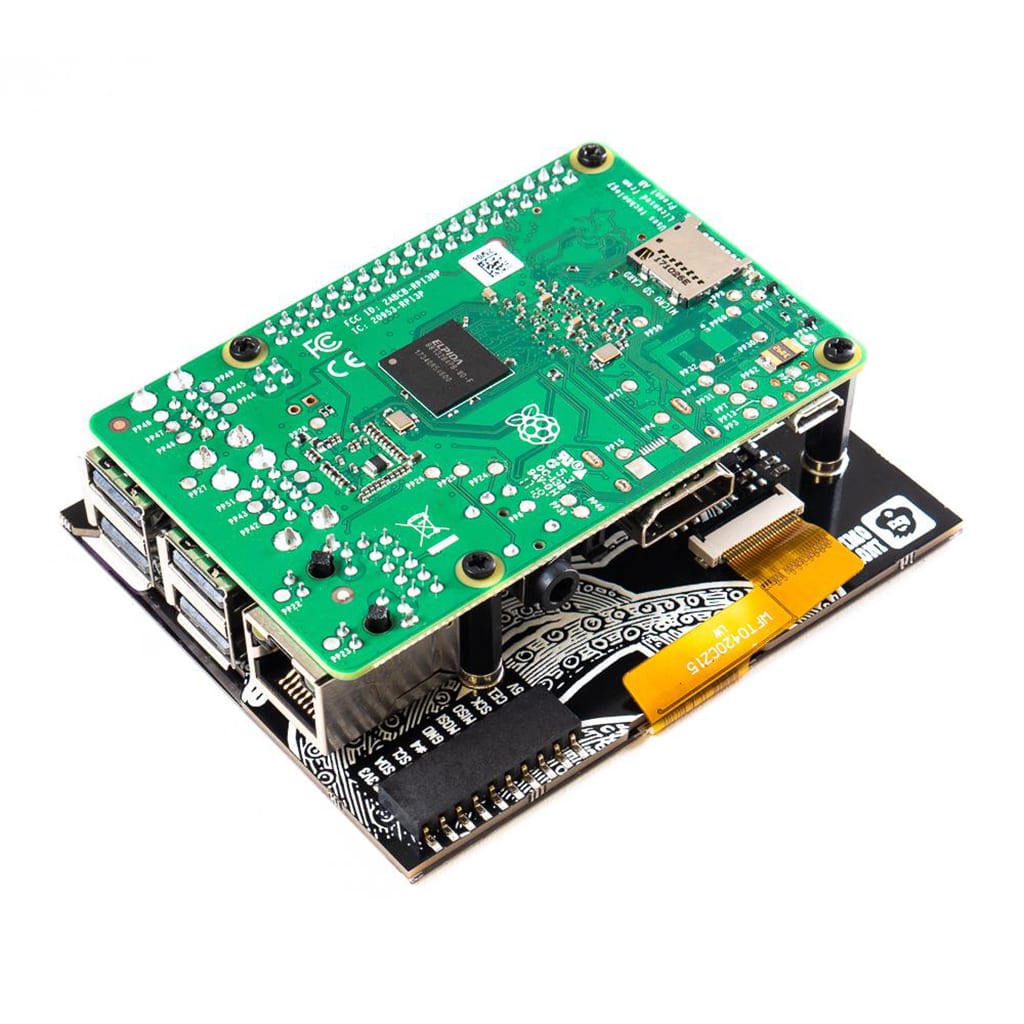
- Includes a 40-pin female header to increase height for Raspberry Pi B+, 2, 3, 3B+, 4B
- Includes standoffs for secure mounting to your Raspberry Pi
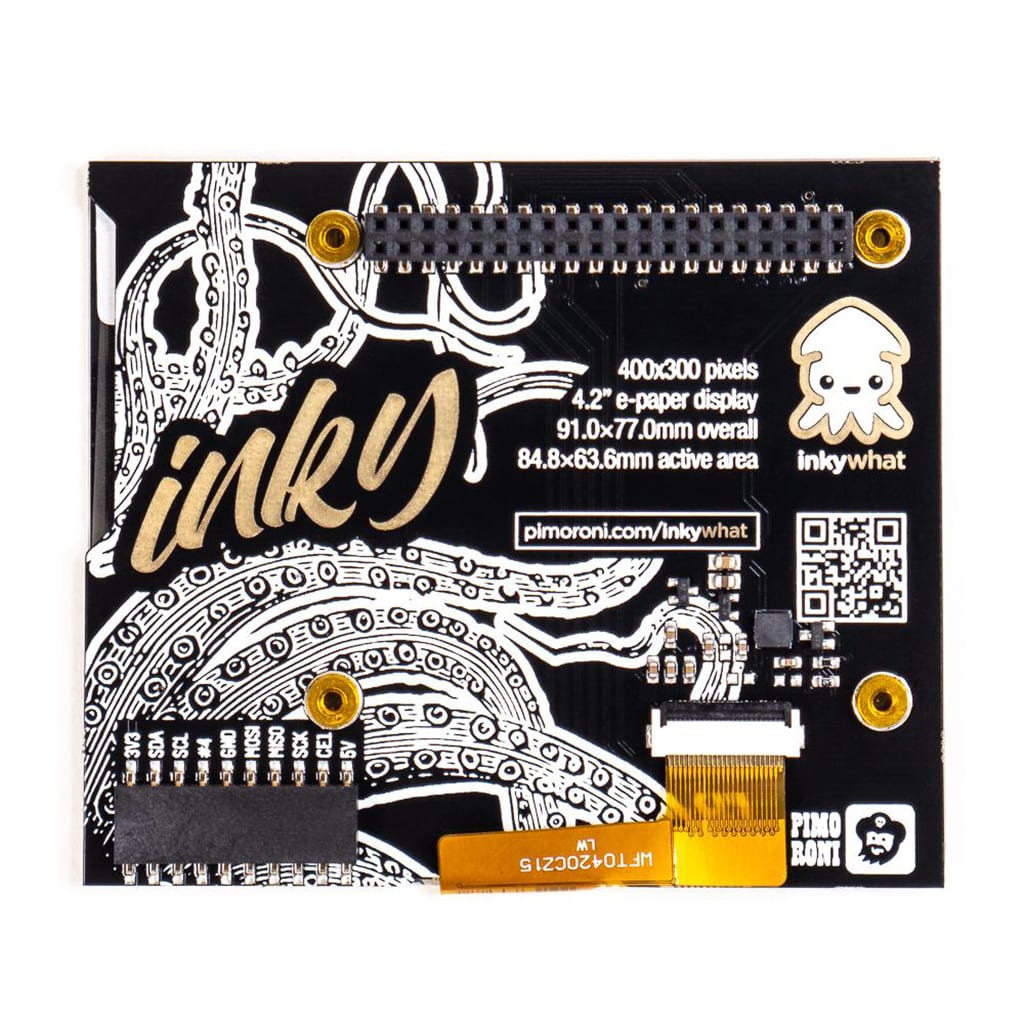
- Additional broken-out pins including I2C and SPI
- Inky wHAT pinout
- Compatible with Raspberry Pi 4, 3B+, 3, 2, B+, A+, Zero and Zero W
- Python library
- Comes fully assembled
Inky wHAT is a multi-colour EPD display. It uses electrophoresis to move coloured particles up and down on the display. Unlike most other display types, these particles reflect light, making them visible even under strong illumination. Updating the display takes approximately 25 seconds.
Inky wHAT comes fully assembled and requires no soldering. The display, connected via a flat cable, is securely attached to the Inky wHAT PCB. To start using it, simply connect it to your Raspberry Pi and run the installation.
You will also find useful pins, including I2C and SPI, on the back of the Inky wHAT. This allows you to connect additional devices such as breakouts, which can display their data directly on the Inky wHAT screen.
Inky wHAT works with all Raspberry Pi models, including Pi Zero and Pi Zero W, that have a 40-pin header.
Software for Inky wHAT
The Inky wHAT Python library makes it easy to display text and images. You will also find examples showing additional capabilities of Inky wHAT. The single command-line instruction from the Python library will make the installation even easier.
This software does NOT support Raspbian Wheezy.
Important:
- Tip: The three-colour display can be treated exactly like a black and white display and updates in just a few seconds.
- The Inky wHAT display is relatively fragile as it is made of glass. It may break if dropped or pressed too hard. When installing it, hold the board by its edges instead of pressing on the display surface.
- Overall dimensions: 91 × 77 × 8.5 mm (W × H × D, depth includes header and display)
- Active display area: 84.8 × 63.6 mm (W × H), 4.2″ diagonal
Pimoroni name: Inky wHAT – Large e-Ink Display – Red/Black/White: [PIM408]
1 review for Inky wHAT: e-Ink Display
Show only reviews in English (0)
You must be logged in to post a review.
-
29,23€
Monochrome eInk / ePaper Display with SRAM
-
44,65€
HyperPixel 4.0 – Display Hi-Res Non-Touch
-
23,82€
Inky pHAT – Black/White
-
22,90€
Inky pHAT in yellow/black/white
-
20,79€
PiOLED: Monochrome OLED Add-on
-
18,91€
1.12″ Mono OLED (I2C)
-
21,44€
Micro Dot pHAT Full Kit – Green LEDs
-
26,77€
KIT Pan-Tilt HAT


-
23,91€
Explorer HAT Pro
-
15,24€
Mini Black HAT Hack3r
-
17,08€
pHAT Stack completamente assemblato
-
8,55€
Matrice LED Charlieplex – 9×16 Rossi
-
69,44€
HyperPixel 4.0″ Square Non-Touch
-
41,70€
LoRa Radio Transceiver Bonnet RFM95W
-
25,69€
LoRa Transceiver Radio Bonnet RFM69HCW
-
29,23€
DC & Stepper Motor Bonnet




 5% discount on every order reviewed!
 Raspberry Pi IN STOCK!

Mari R… (verified owner) –
Display paper molto simpatico, colori niente male. Si vede che è delicato, ma come gli altri display bisogna stare attenti a non farlo cadere a terra. La Liberia python mi ha aiutato molto