





Button SHIM
9,66€
In stock

 Do you have any further questions?
 Button SHIM: adds 5 push buttons to the Raspberry Pi
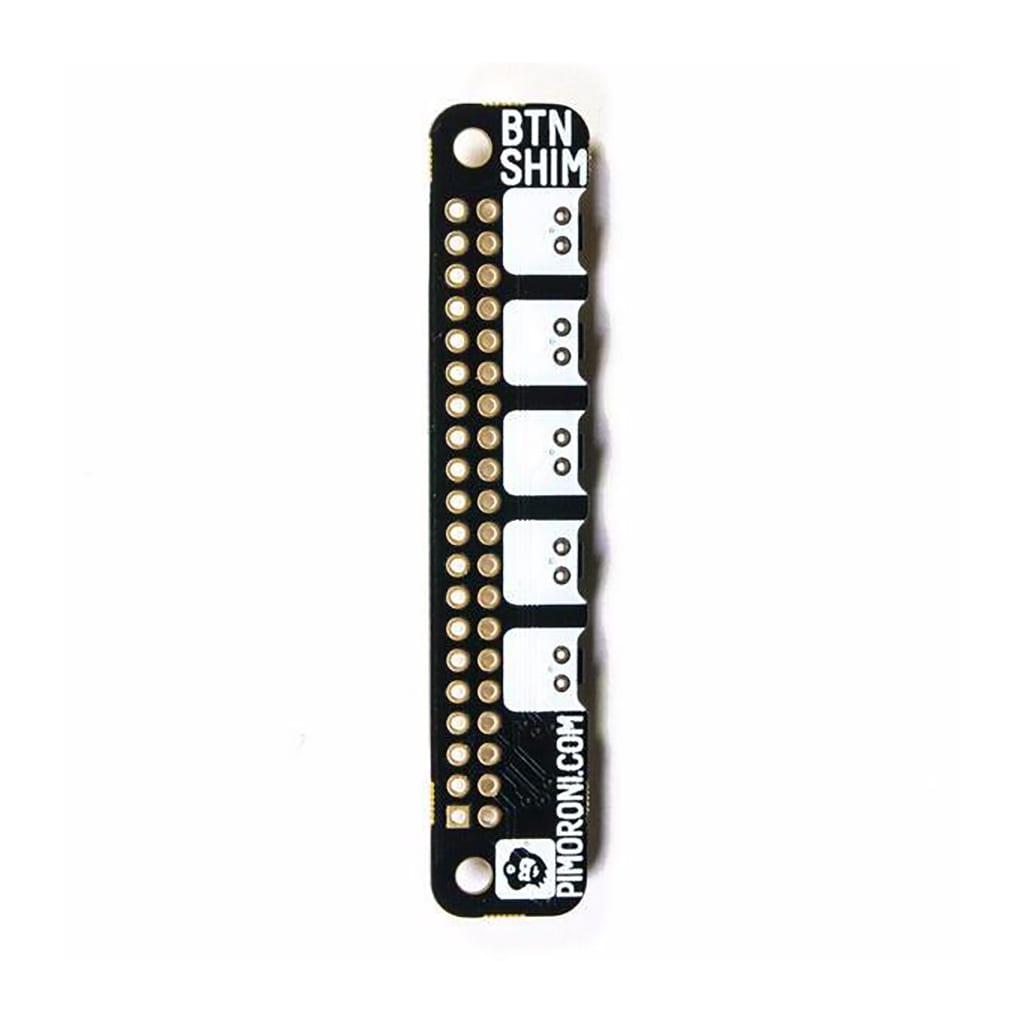
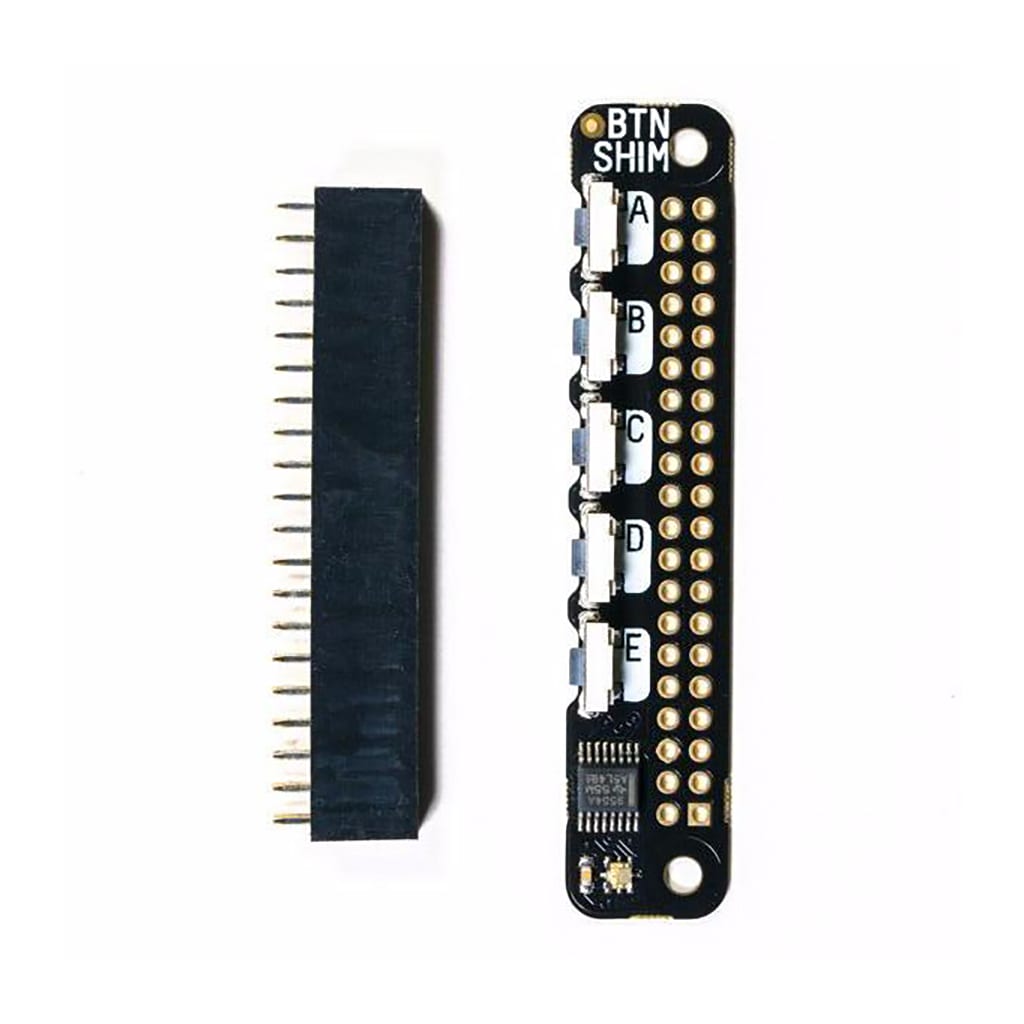
Button SHIM is HAT and pHAT-compatible and gives you five handy, physical buttons and an RGB status LED.
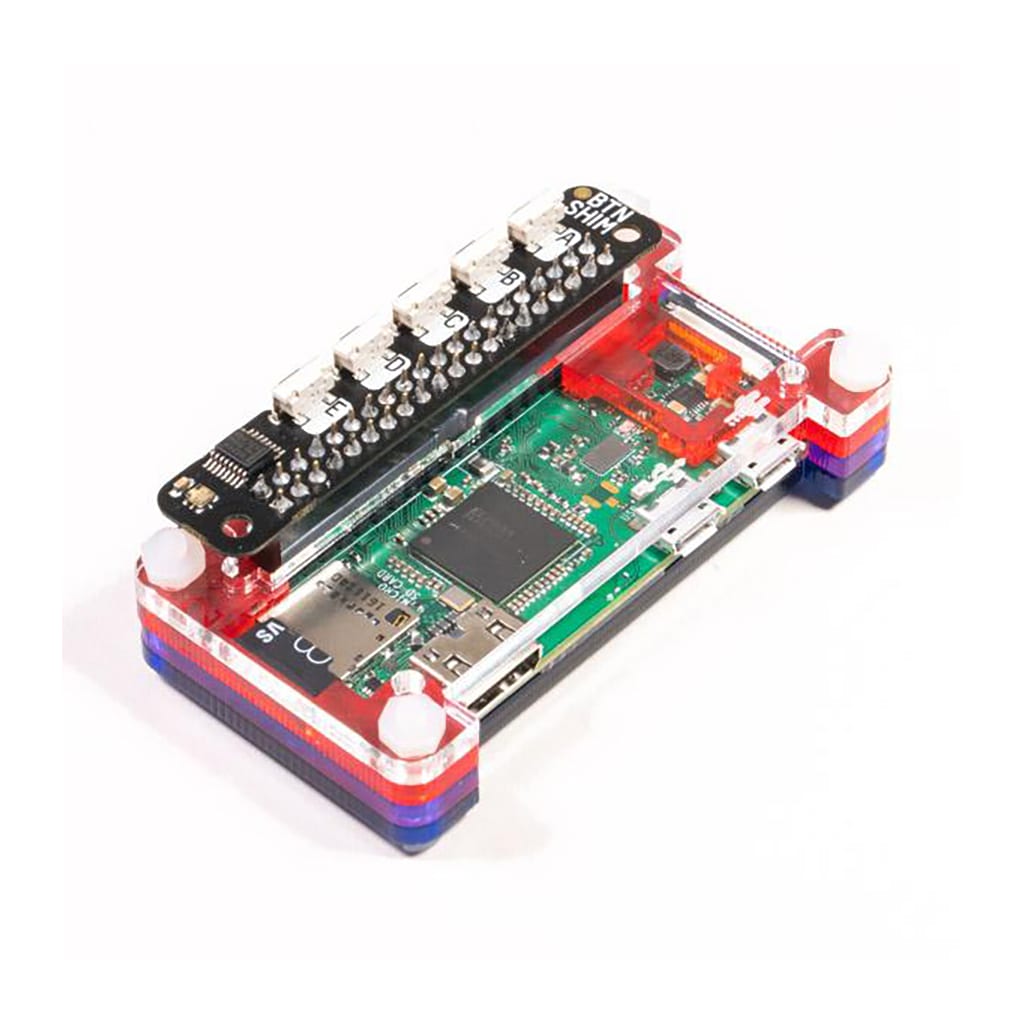
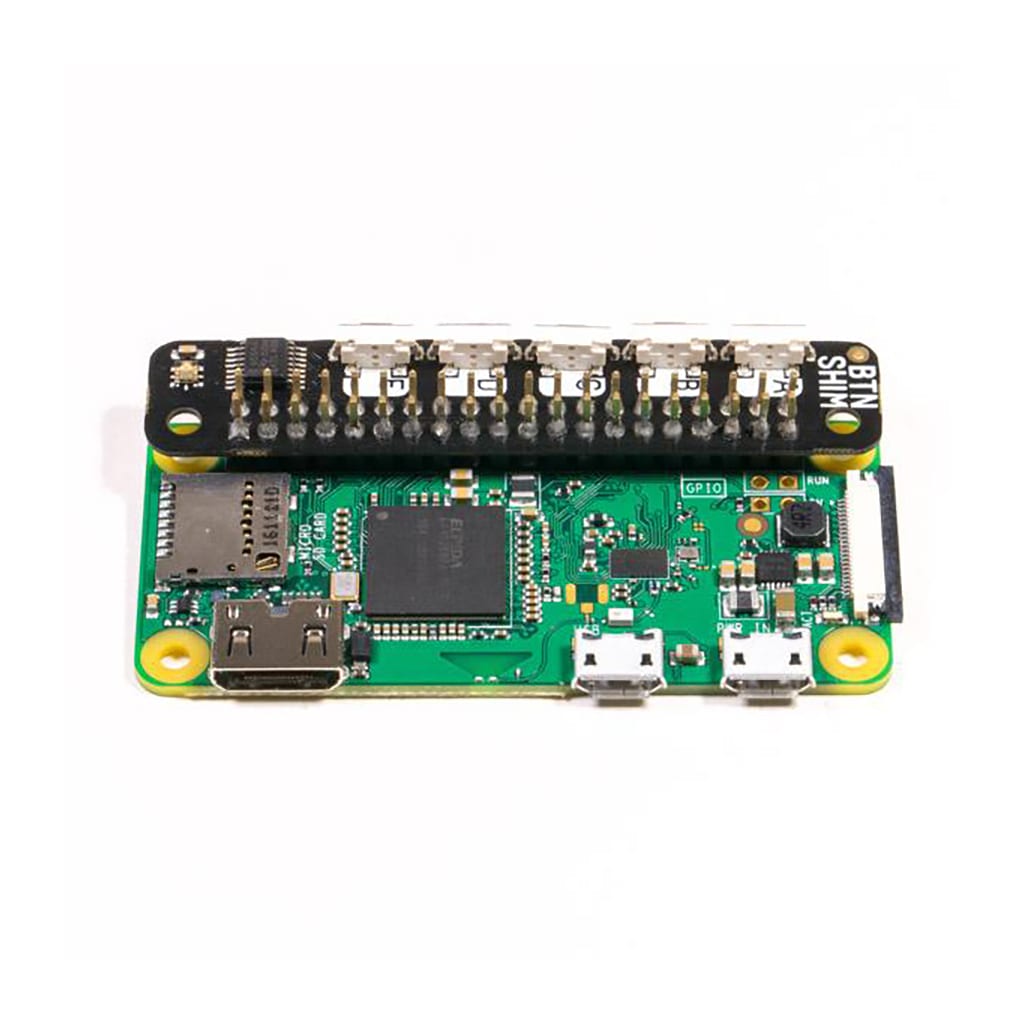
The SHIM-format boards are designed to slip neatly onto your Raspberry Pi’s GPIO pins and still allow you to use HATs and pHATs at the same time. You may also solder the included female header onto the Button SHIM and use it as a standalone board. The buttons and status LED stick out from the top edge of your Raspberry Pi board, making them easy to access.
If you want to add physical interaction and visual feedback to your project, the Button SHIM is the perfect product. It is an ideal controller for LED boards such as Unicorn pHAT and Blinkt!. Besides, you can make your Raspberry Pi work as an alarm clock or timer or stopwatch if you use it with a Four Letter pHAT.
Button SHIM Features:
- 5 tactile, right-angle push buttons
- Single RGB LED (APA102)
- Buttons driven through an IO expander (TCA9554A)
- Super-slim SHIM-format board
- 0.8mm thick PCB
- Suitable to be used with HATs and pHATs
- Button SHIM pinout
- Compatible with Raspberry Pi 4, 3, 2, B+, A+, Zero, and Zero W boards
- Python library
- 2×20 female header included
- Requires soldering
The Raspberry Pi board is not included with this product. It can be purchased separately.
An IO expander has been used to read the states of the button and also drive the LED, so you may still have fully access to all of your Raspberry Pi’s pins, supposing the I2C address (0x3f) does not clash.
Software
To install the Button SHIM Python library you can use a quick one-line-installer. You may want to have a look at a few example programs that explain how to use the Button SHIM to control your Raspberry Pi’s audio and status LED, and also how to replicate key presses.
This software can be installed by opening a terminal and typing curl https://get.pimoroni.com/buttonshim | bash to run the one-line-installer.
Notes
In order to install the Button SHIM correctly, it is important that the buttons face outwards from your Raspberry Pi with the buttons on the top (please check the pictures on this page if you have any doubt).
Board dimensions: 65x13x4,5mm (WxHxD, depth includes buttons).
Button dimensions: 7×3,5×3,75mm (WxHxD)
Pimoroni Name: Button SHIM [PIM301]
Show only reviews in English (0)
You must be logged in to post a review.
-
13,05€
Fan SHIM for Raspberry Pi
-
12,82€
LiPo SHIM
-
9,19€
OnOff SHIM
-
11,04€
Encoder per micro motoriduttore (2 PZ)
-
43,36€
Ultimate GPS HAT
-
1,98€
Distanziatori M2.5 da 16mm in ottone (2 pz)
-
1,41€
Distanziatori M2.5 da 11mm in ottone (2 pz)
-
Price range: 0,39€ through 2,96€
Silicone USB C Dust Cover Insert


-
12,86€
KIT GPIO Header Pin a Incastro (Maschio, Femmina, Tool)
-
10,87€
Matrice LED Charlieplex – 9×16 Gialli
-
8,55€
Matrice LED Charlieplex – 9×16 Rossi
-
69,44€
HyperPixel 4.0″ Square Non-Touch
-
41,70€
LoRa Radio Transceiver Bonnet RFM95W
-
25,69€
LoRa Transceiver Radio Bonnet RFM69HCW
-
29,23€
DC & Stepper Motor Bonnet
-
Original price was: 64,99€.45,50€Current price is: 45,50€.
Keybow Kit: 12 Clicky Keys (Raspberry Pi Included)



 5% discount on every order reviewed!
 Raspberry Pi IN STOCK!

Reviews
There are no reviews yet.