


 Raspberry Pi IN STOCK!


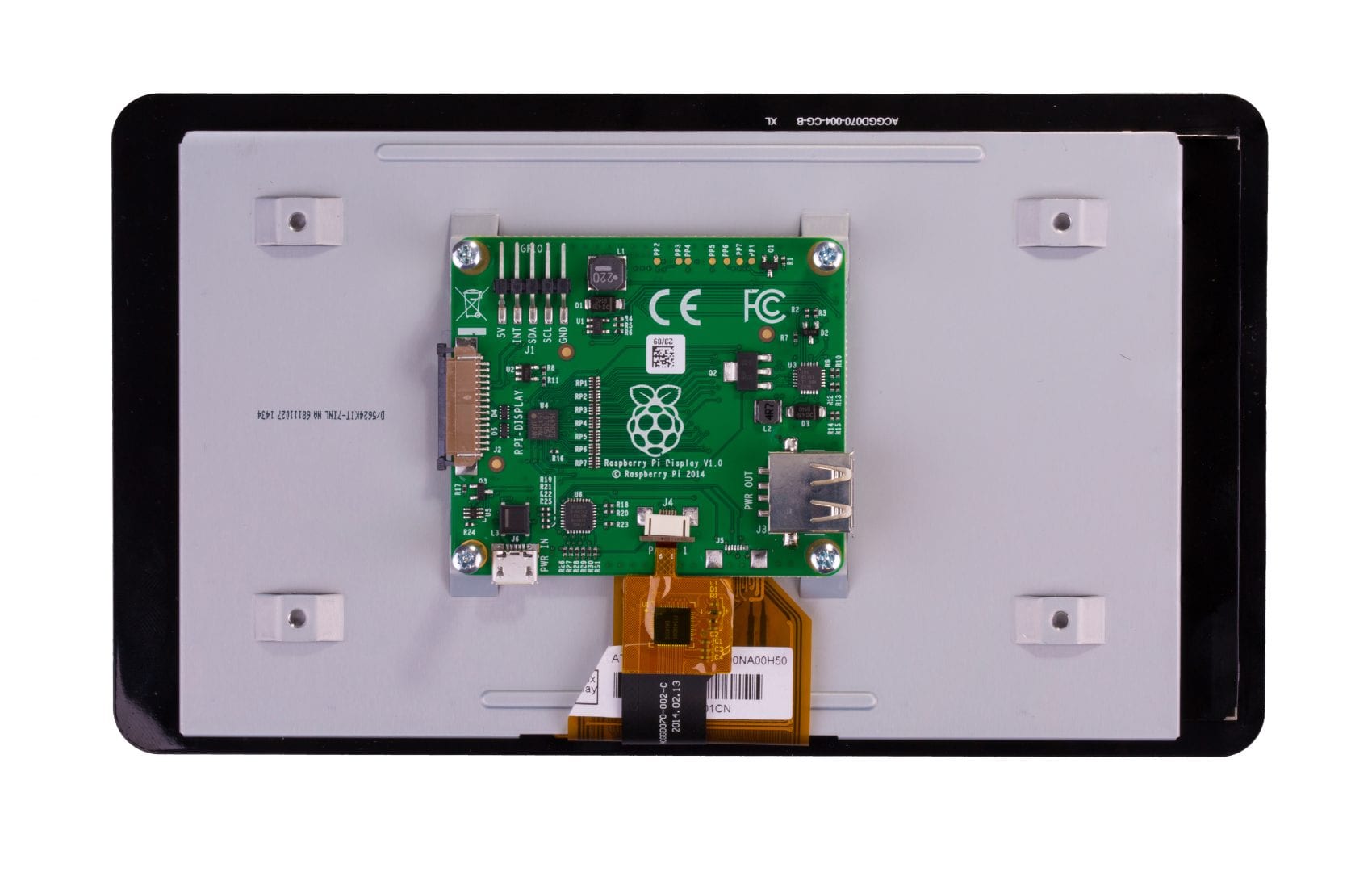


Raspberry Pi Touch Display 7″
79,65€
In stock

 Do you have any further questions?
 Raspberry Pi 7″ touchscreen display
This 7″ Touchscreen display for Raspberry Pi will help you create all-in-one, integrated projects as for example tablets, infotainment systems and embedded projects.
The display is 800 x 480 pixels and is connected by way of an adapter board that handles power and signal conversion, too.
The only two connections needed to the Raspberry Pi are: a ribbon cable to connect to the DSI port and power from the Raspberry Pi’s GPIO port. The DSI port is present on all Raspberry Pi’s.
Physical keyboard or mouse are not necessary because the latest Raspbian OS grants complete functionality. It integrates touchscreen drivers with an on-screen keyboard and support for 10-finger touch.
- You can turn your Raspberry Pi into a touch screen tablet, a standalone device, or an infotainment system.
- Truly Interactive: a virtual ‘on screen’ keyboard is supported by the latest software drivers, this means it is not necessary to plug in a mouse and keyboard.
- You can create ‘Internet of Things’ (IoT) devices that includes a visual display, such as home automation devices with touch screen capability. Just connect your Raspberry Pi and interact with the display thanks to a Python script you can develop.
- If you want an easier way to learn and program on the Raspberry Pi you can consult several available touch enabled educational software and programs.
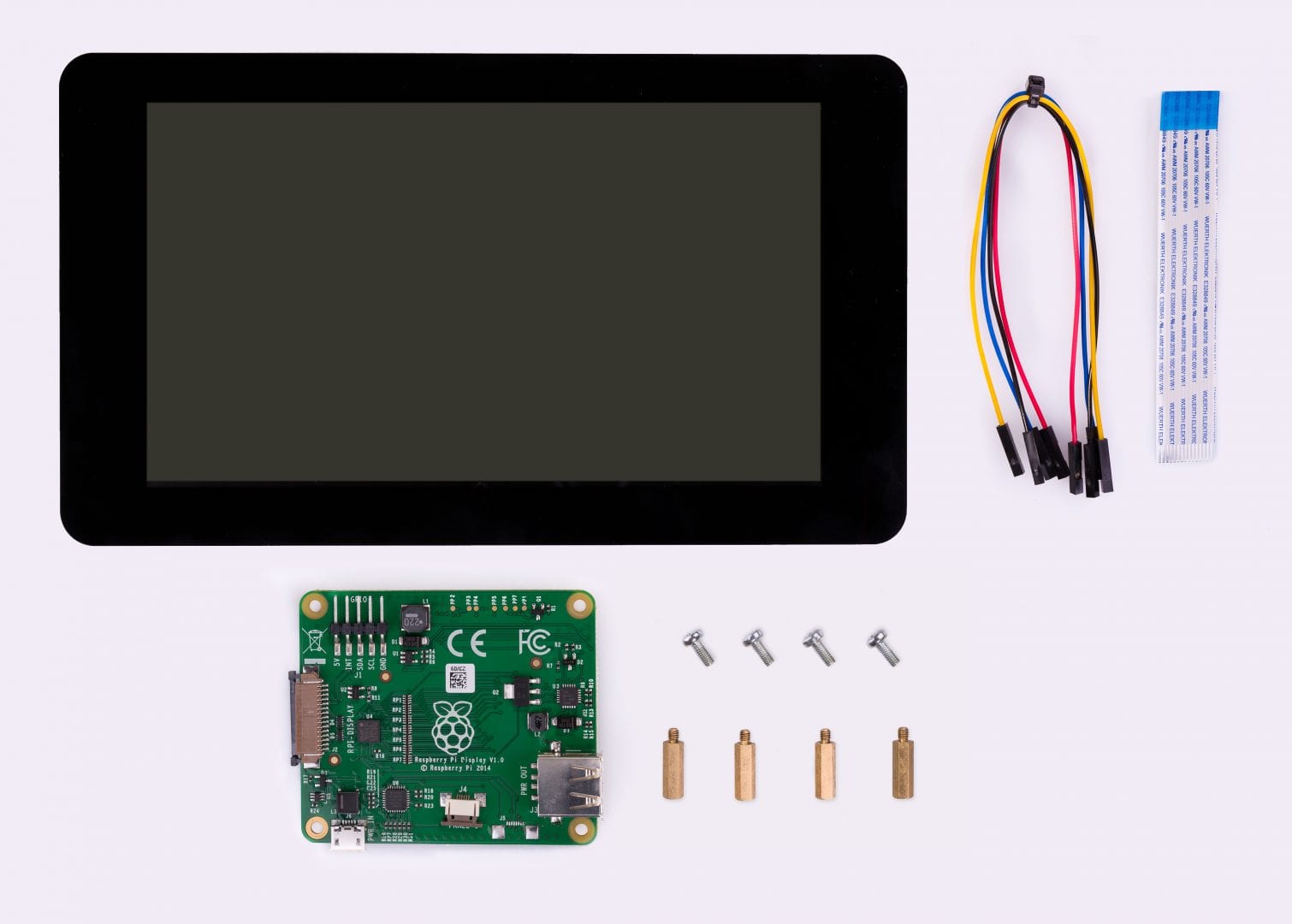
Raspberry Pi Touch Display 7″ Kit Contents
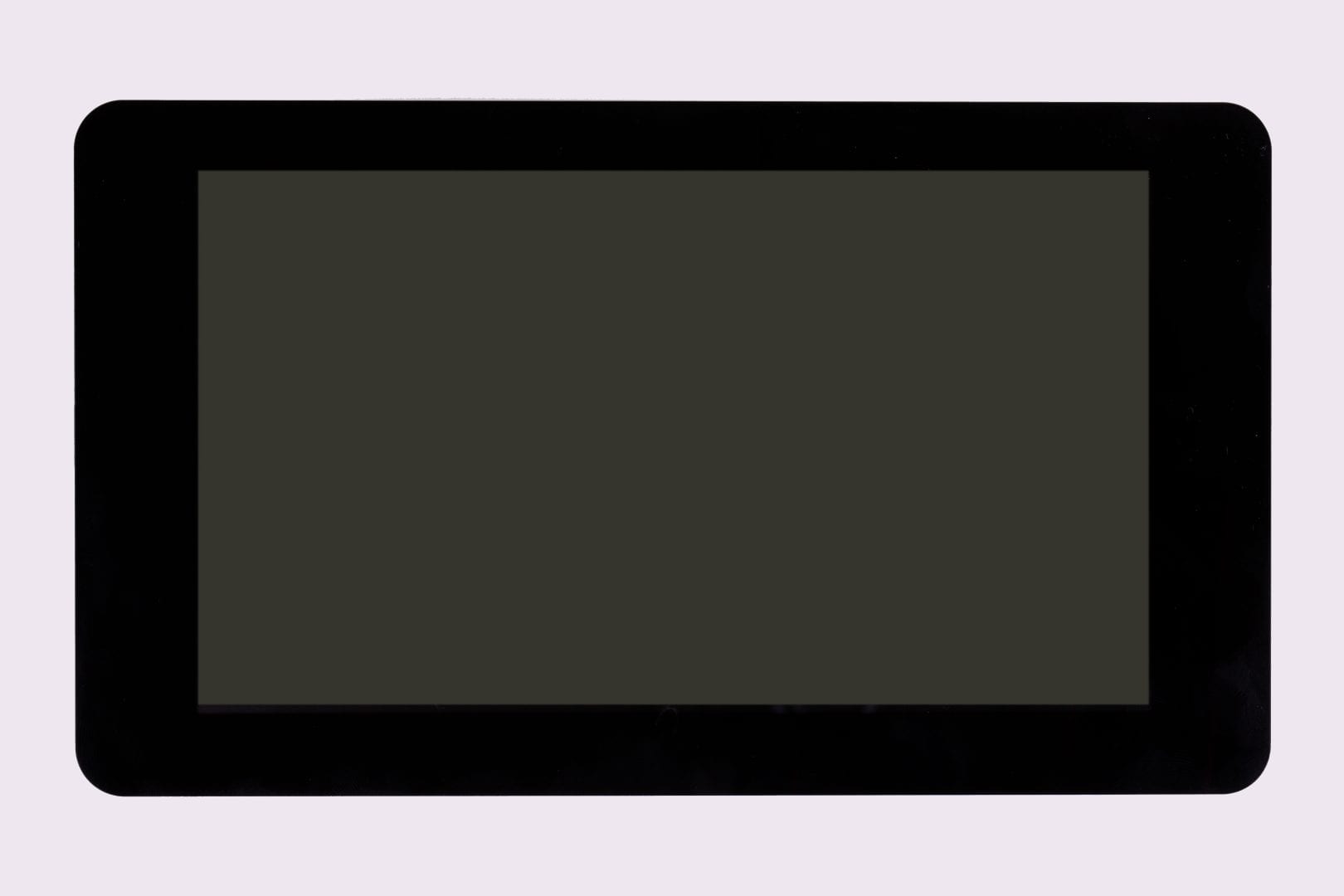
- Touch Display 7″
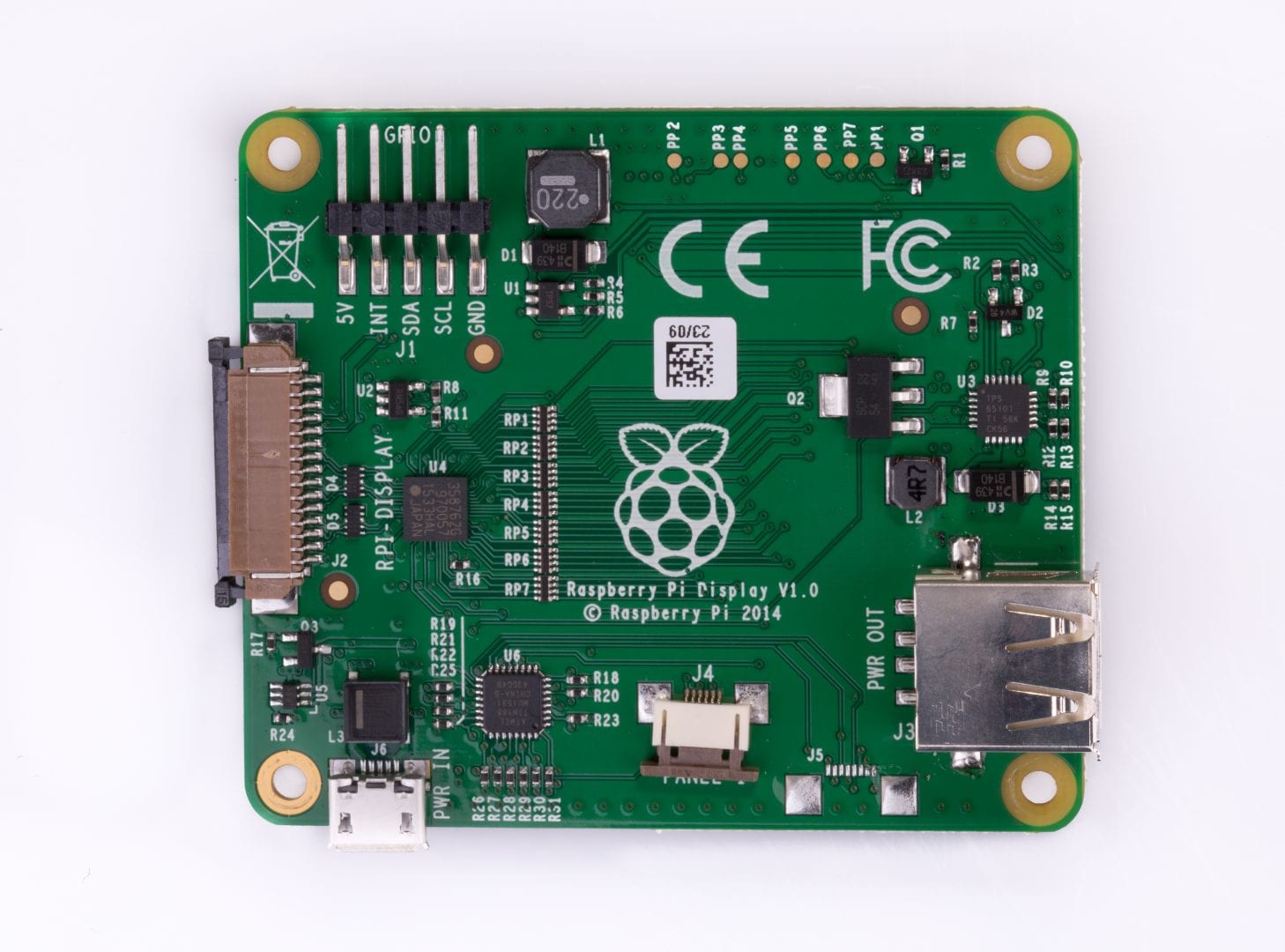
- Adapter Board
- DSI Ribbon cable
- 4 x stand-offs and screws (to mount the adapter board and Raspberry Pi board to the back of the display)
- 4 x jumper wires (Thanks to these wires that connect power between units, 2A (amper) power is shared across the Adapter Board and the GPIO pins on the Raspberry Pi.)
On the following links you can find downloadable instructions for the display frame and the screen assemblage.
Note: This KIT does NOT include the Raspberry Pi Board and Power Supply. They are sold separately.
The 7″ Touch Display is compatible with:
- Raspberry Pi 4 Model B
- Raspberry Pi 3 Model B+
- Raspberry Pi 3 Model B
- Raspberry Pi 2 Model B
- Raspberry Pi Model B+
- Raspberry Pi Model A+
Update: Since October 2015 the touchscreen is supported on the Model B and A Raspberry Pi in Raspbian. Just add jumpers from SDA1 and SCL1 on the Raspberry Pi to SDA and SCL on the display board and add “ignore_lcd=0” to /boot/config.txt. Now it is ready to be operative.
7″ Touch Display Technical Specification
- 7″ Touch Display.
- Screen Dimensions: 194mm x 110mm x 20mm (standoffs included)
- Viewable screen size: 155mm x 86mm
- Screen Resolution 800 x 480 pixels
- 10 finger capacitive touch.
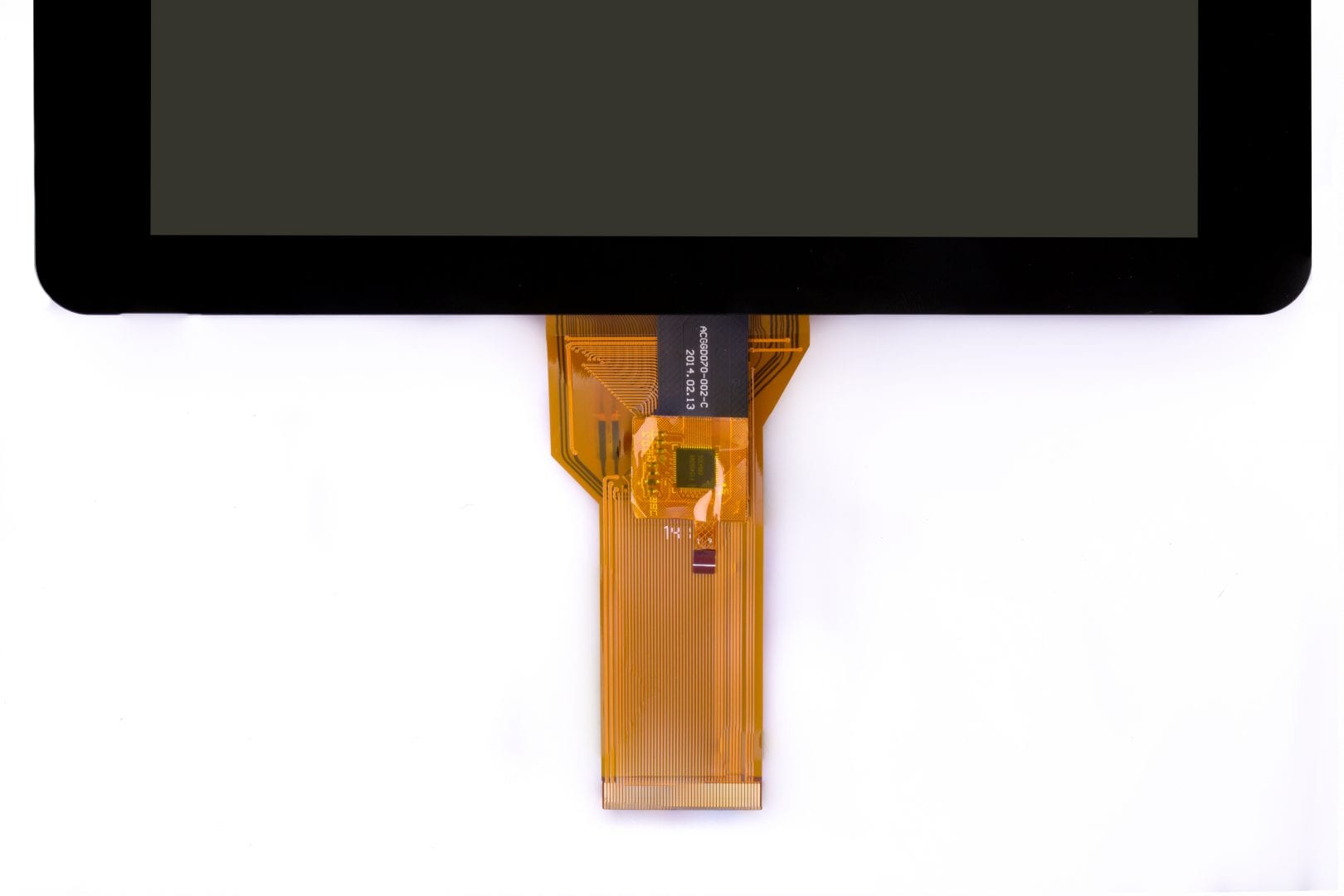
- Connects to the Raspberry Pi board through a ribbon cable connected to the DSI port.
- Adapter board is used in order to power the display and, also, convert the parallel signals from the display to the Raspberry Pi’s serial (DSI) port.
If you wish to have the best results:
- Install the newest Raspbian image from here (not NOOBS): https://www.raspberrypi.org/downloads/raspbian/
- Use an official Raspberry Pi power supply.
- Use a dual microB USB cable.
- Place the FPC connectors steadily and secure them firmly.
Note: To operate correctly, you will need the newest version of Raspbian OS.
Show only reviews in English (0)
You must be logged in to post a review.
-
31,38€
Round Display for XIAO
-
44,65€
HyperPixel 4.0 – Display Hi-Res Non-Touch
-
68,94€
HyperPixel 4.0 – Hi-Res Touch Display
-
76,79€
HyperPixel 4.0″ Square Touch
-
69,44€
HyperPixel 4.0″ Square Non-Touch
-
57,05€
HyperPixel 2.1″ Round Touch
-
46,27€
Pi Camera Module v.3 – Grandangolare
-
33,34€
Pi Camera Module v.3 – Standard


-
33,50€
Case Argon ONE Pi 4 per Raspberry Pi 4
-
16,19€
Cover nera per display touch da 7″
-
105,44€
Raspberry Pi 4 modello B di 4 GB
-
14,67€
27 W Black USB-C PD Power Supply for RPi 5
-
6,65€
Batteria RTC per Raspberry Pi 5
-
11,39€
White/Red Case for Raspberry Pi 5
-
2,26€
Display Adapter Cable – Length 200 mm
-
2,26€
Cavo Adattatore Fotocamera per Pi 5 – 20 cm


 5% discount on every order reviewed!

Reviews
There are no reviews yet.