


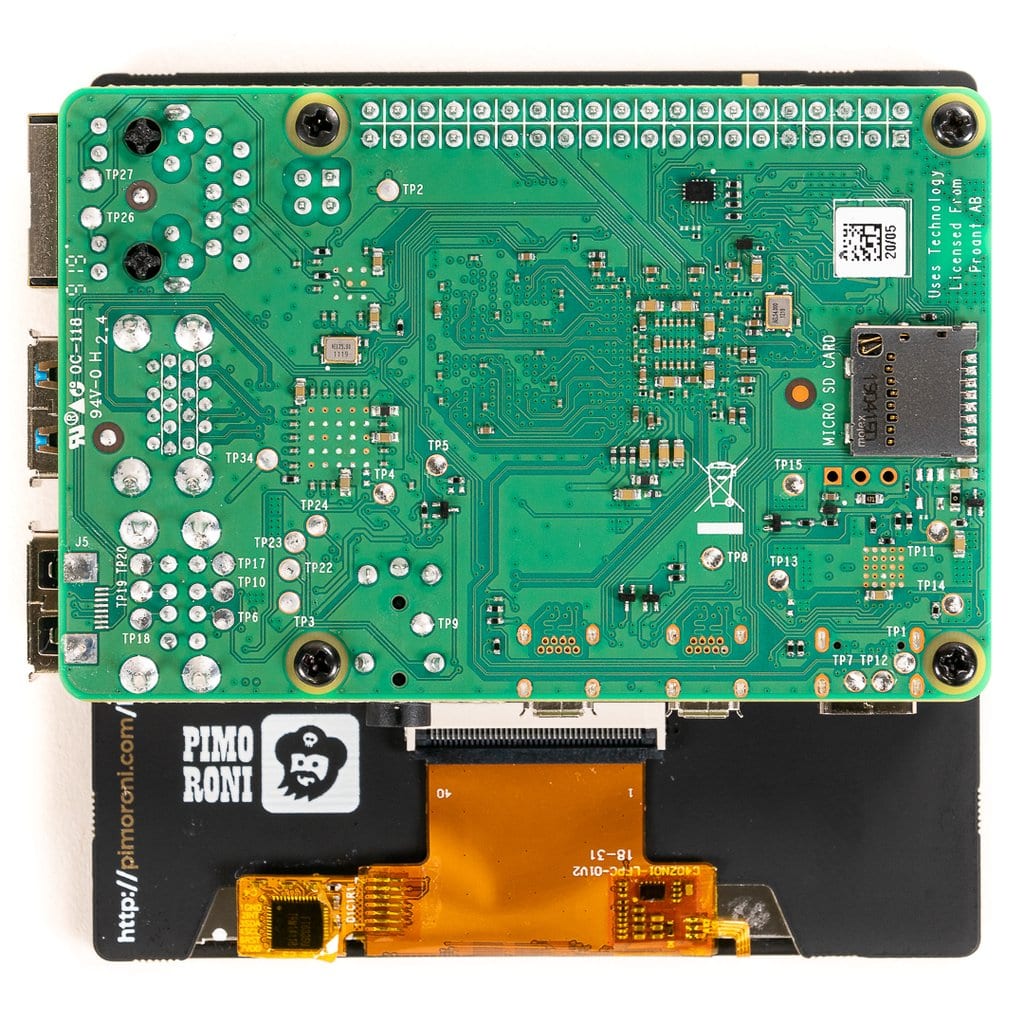


HyperPixel 4.0″ Square Touch
76,79€
In stock

 Do you have any further questions?
 High-Resolution Display for Raspberry Pi: HyperPixel 4.0″ Square Touch
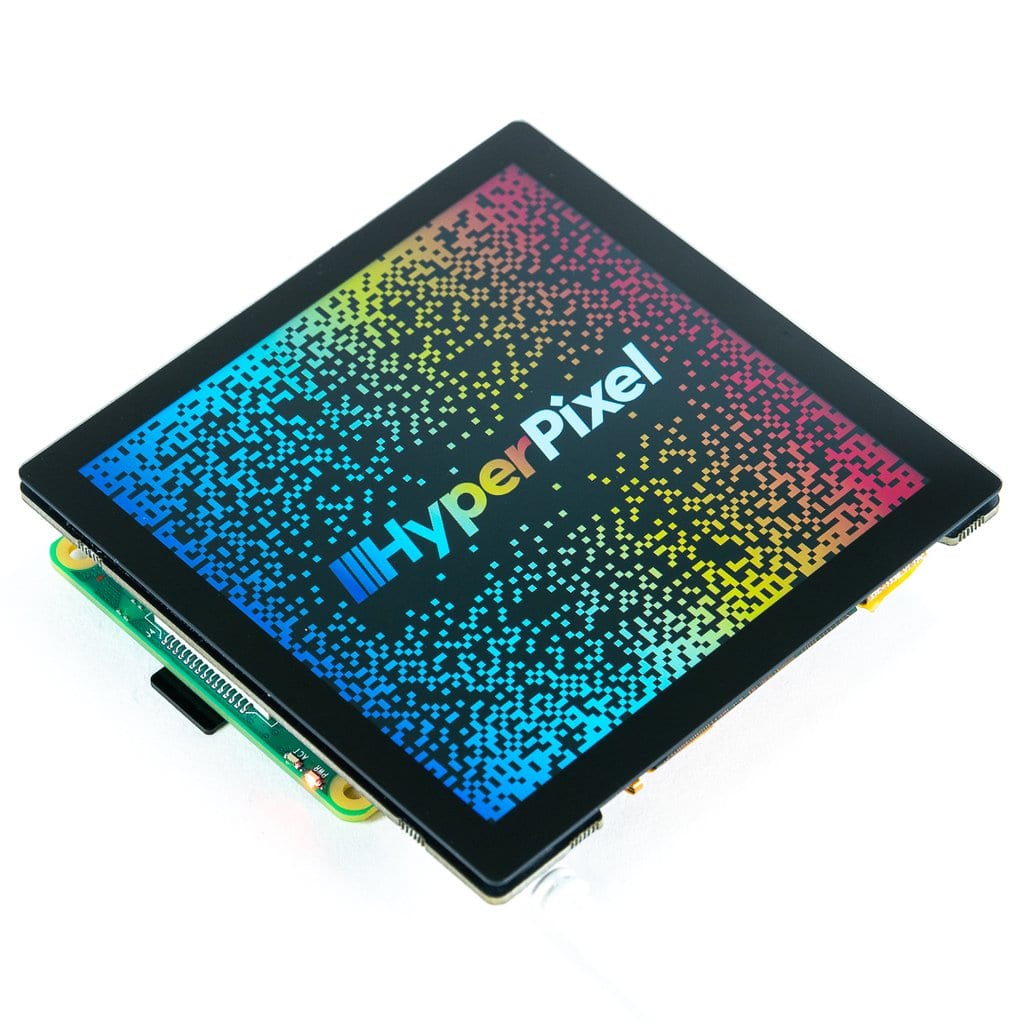
This 4.0″ touchscreen display is truly unique! It offers high resolution, high speed, and a perfect square format. This fantastic touchscreen display includes all the same excellent features as the standard HyperPixel 4.0. Not only is it touch-enabled, but the IPS panel also provides outstanding sharpness and brightness, combined with a high-speed DPI interface.
This new, exclusive version of the HyperPixel 4.0 features both control panels and custom interfaces. It also works well with Pico-8 games. It is very easy to use, as it comes fully pre-soldered and ready to go. Simply plug it into your Raspberry Pi board, run the installation, and you’re ready to start!
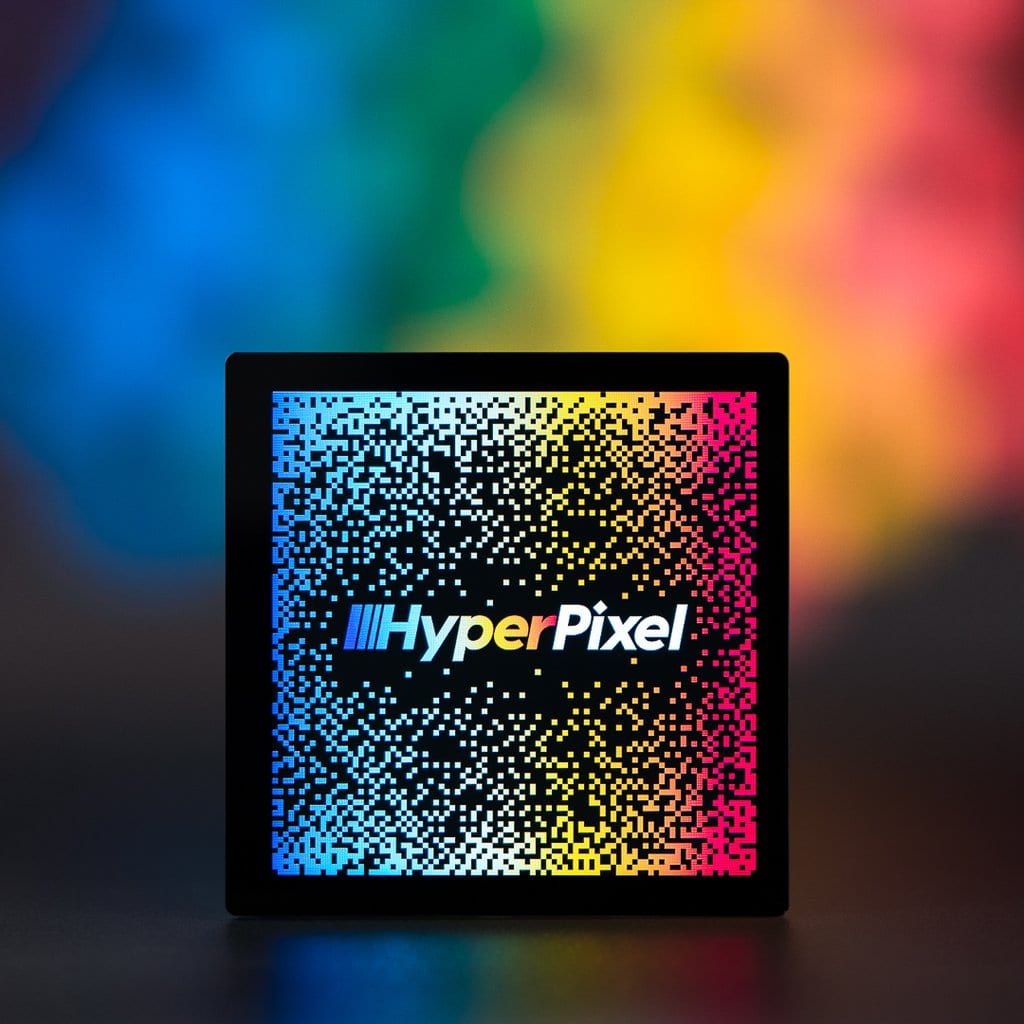
All product images are NOT Photoshopped. What you see is the actual Raspbian desktop with the HyperPixel Square wallpaper.
HyperPixel 4.0″ Square Touch features are:
- High-speed DPI interface
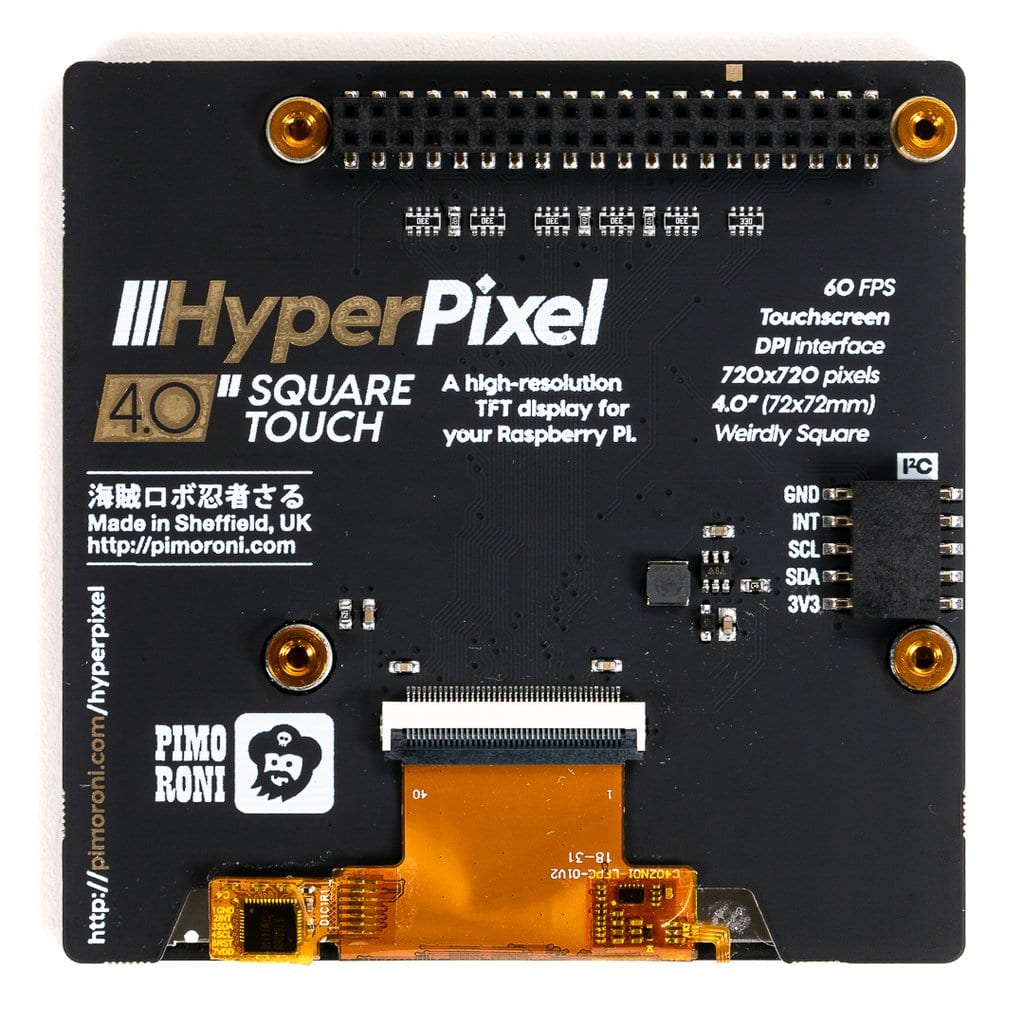
- 4.0″ IPS display (7.2 × 7.2 cm) with wide 160° viewing angle
- 720 × 720 pixels (~254 PPI)
- 18-bit colour (262,144 colours)
- 60 FPS frame rate
- capacitive touchscreen
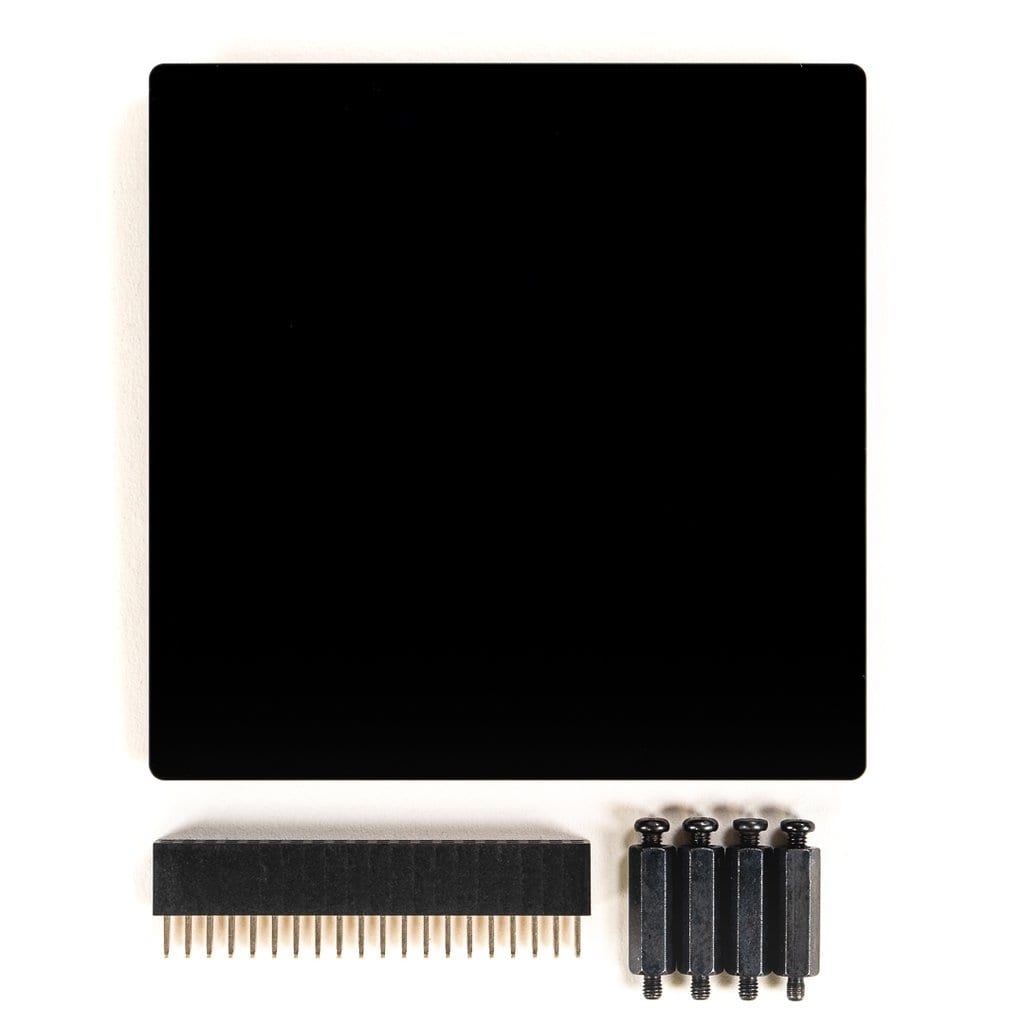
- 40-pin female header included to boost height for full size Raspberry Pi
- Standoffs included for secure mounting to your RPi
- Compatible with all Raspberry Pi models with a 40-pin header
- One-line installation command
Note: This version of HyperPixel is not yet compatible with Raspberry Pi OS Bullseye.
This HyperPixel 4.0 Square uses a high-speed DPI interface. While most small Raspberry Pi displays typically use SPI, the DPI interface can transfer data up to 5 times faster than a standard SPI interface.
The HyperPixel 4.0 delivers a resolution of approximately 254 pixels per inch (720 × 720 px) on its 4.0″ display, along with a 60 FPS frame rate. It also offers 18-bit colour, meaning 262,144 colours.
The touchscreen is capacitive and multi-touch. Compared to a resistive touchscreen, it is significantly more responsive and precise.
Note: Be careful not to press on the screen surface when installing the HyperPixel 4.0 Square onto your Raspberry Pi. It is recommended to hold the board by its edges and gently move it back and forth when connecting it to the extended header or GPIO header.
The HyperPixel 4.0 Square works with all 40-pin Raspberry Pi boards, as well as the Raspberry Pi Zero and Raspberry Pi Zero W. An extra 40-pin connector is included in the package. You can use it to achieve the required height if you are using a larger Raspberry Pi board. Simply connect it to the GPIO if you are using a Raspberry Pi Zero or Zero W.
Using the included standoff kit, you can safely mount the HyperPixel 4.0 Square to your Raspberry Pi without any risk.
It is very simple: screw the standoffs into the mounting points located on the underside of the HyperPixel 4.0 Square PCB, then secure it to your Raspberry Pi using screws through the mounting holes.
Software
To easily and correctly configure your Raspberry Pi for the HyperPixel 4.0 Square and enable the touchscreen, a one-line installer has been provided (GitHub HyperPixel 4.0). To install this software, you will need another display, keyboard, and mouse.
You can also run the one-line installer remotely via SSH. Simply open a terminal and start the installation by typing: curl https://get.pimoroni.com/hyperpixel4 | bash to run the one-line-installer.
Note:
The images shown here display the HyperPixel 4.0 Square from the side. You will notice slightly narrower and wider bezels at the top and bottom respectively, but there is almost no difference in size: 5.5 mm on the left and right sides, 4.5 mm at the top, and 6.5 mm at the bottom. Overall dimensions are 84 × 84 × 9.5 mm (W × H × D). Header and display thickness are included in the depth measurement.
Pimoroni name: HyperPixel 4.0 Square – Hi-Res Display for Raspberry Pi – Touch [PIM470]
Show only reviews in English (0)
You must be logged in to post a review.




 5% discount on every order reviewed!
 Raspberry Pi IN STOCK!

Reviews
There are no reviews yet.