




pHAT BEAT
21,40€
In stock

 Do you have any further questions?
 Audio add-on for Raspberry Pi: pHAT BEAT
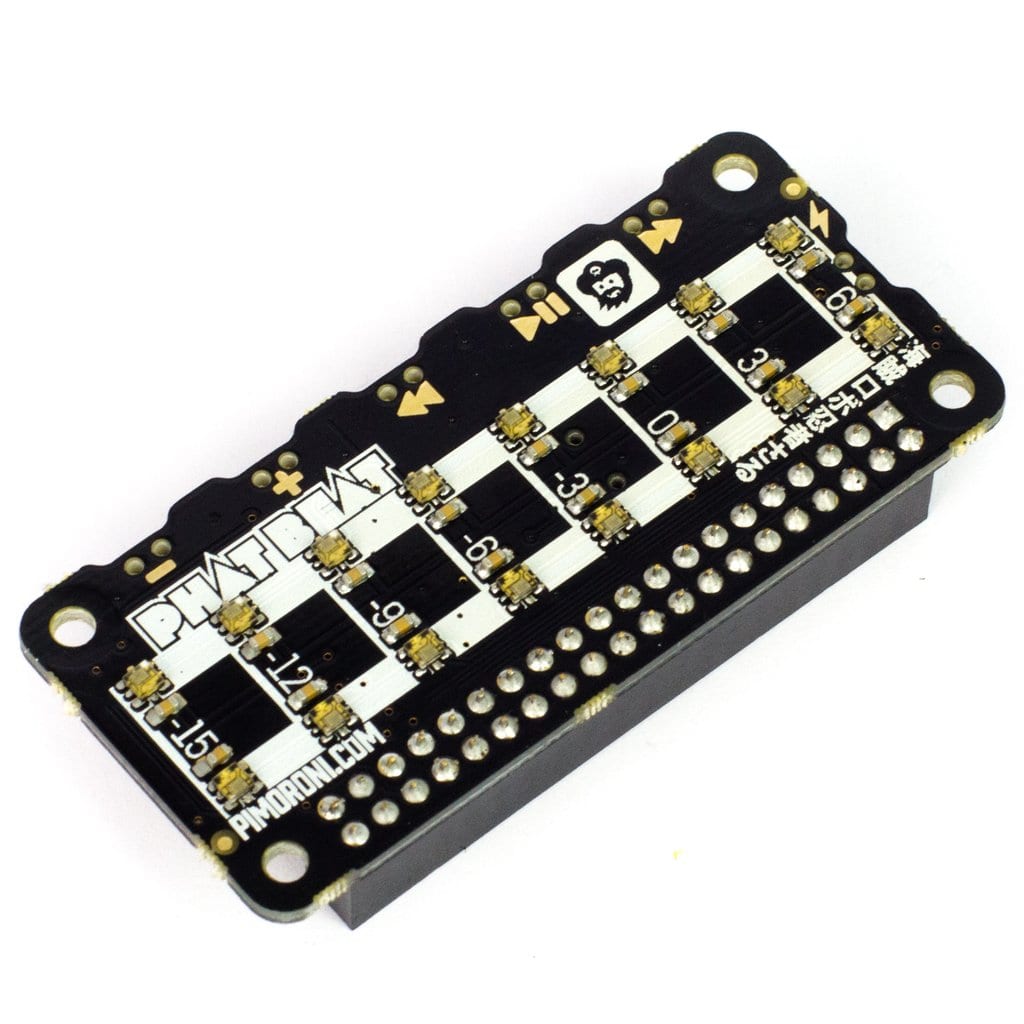
pHAT BEAT è l’add-on audio perfetto per il Raspberry Pi. This add-on gives you a digital, high-quality and amplified stereo audio and with its fantastic 16 little RGB LEDs, in two rows of 8, are ideal as a VU meter (volume unite meter). It also has 6 buttons to control the audio.
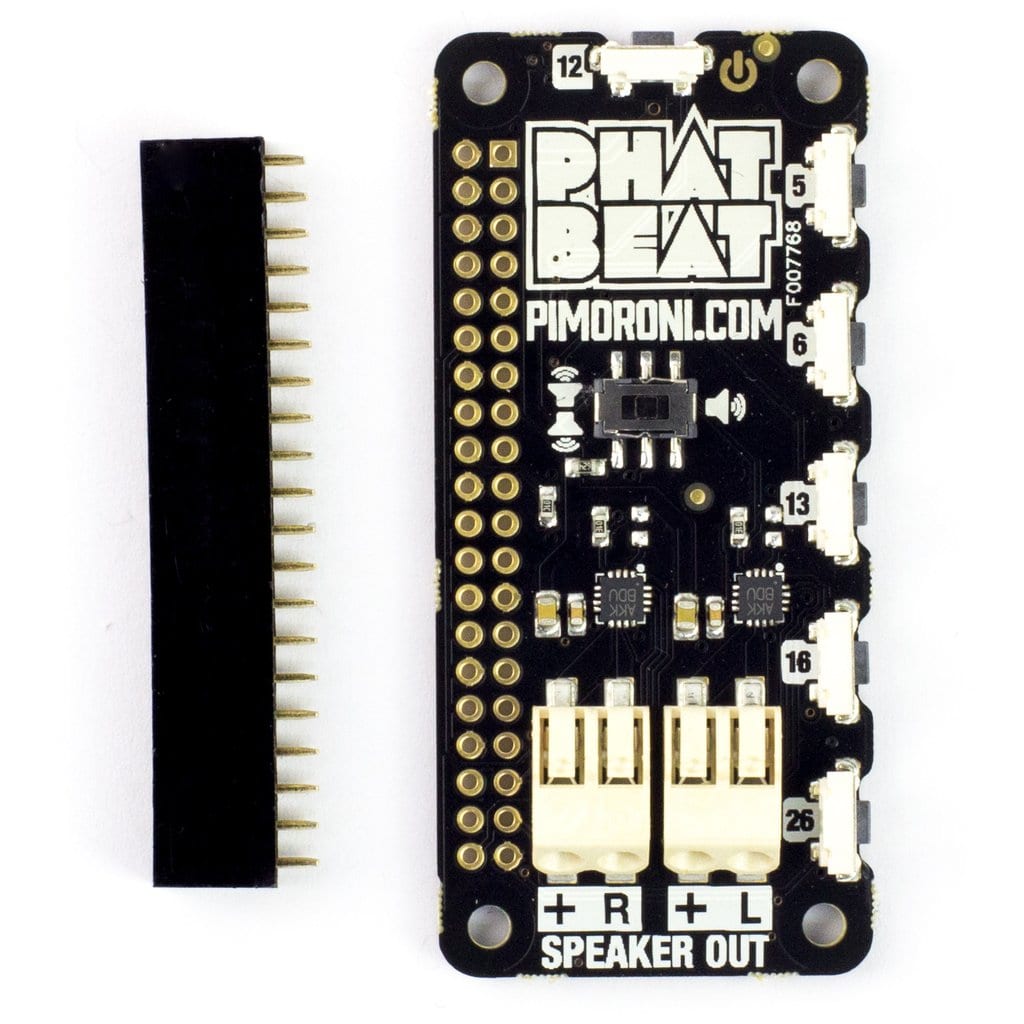
This pHAT BEAT stereo has a dual I2S mono DAC and amplifier (while on the Speaker pHAT and on the Picade HAT is used only one).
Thanks to a small DIP switch placed on the bottom of the board, it is possible to choose between mono sound or stereo playback. Note that left and right playback are actually blend through both channels. You can easily wire in your speakers thanks to the clip-in terminals.
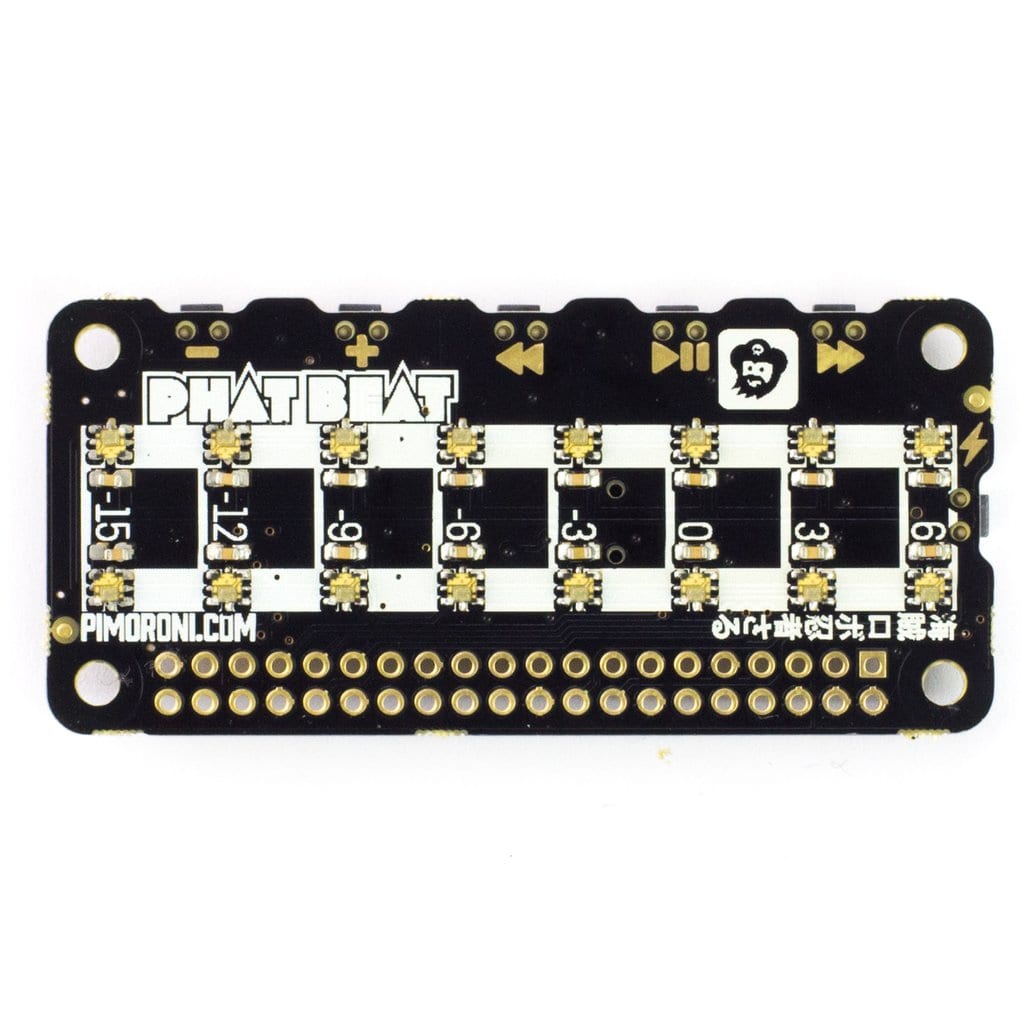
The two rows of 8 APA102 RGB LEDs basically act as an ideal VU meter, although so, you can code them according to what you want to do, for example, you can simply pulse in time with the beat or display the steps of a step sequencer like the Drum HAT or the Piano HAT.
On the edges of pHAT BEAT there are six buttons that are directly linked to GPIO. These buttons grant a variety of uses on the board, such as play/pause, rewind, fast-forward, volume control (up and down) and power.
The pHAT BEAT can be used to create a fabulous small desk radio, to stream music from an iPhone with the Airplay, or also it can be turned into a Slack-controlled Spotify player.
pHAT BEAT Features:
- Dual I2S DAC/amplifiers for stereo audio (MAX98357A)
- 3W per channel
- 2x push fit speaker terminals
- DIP switch to select blended mono or stereo modes
- 16 RGB LED pixels (APA102) in 2 rows of 8
- 6 edge-mounted push buttons
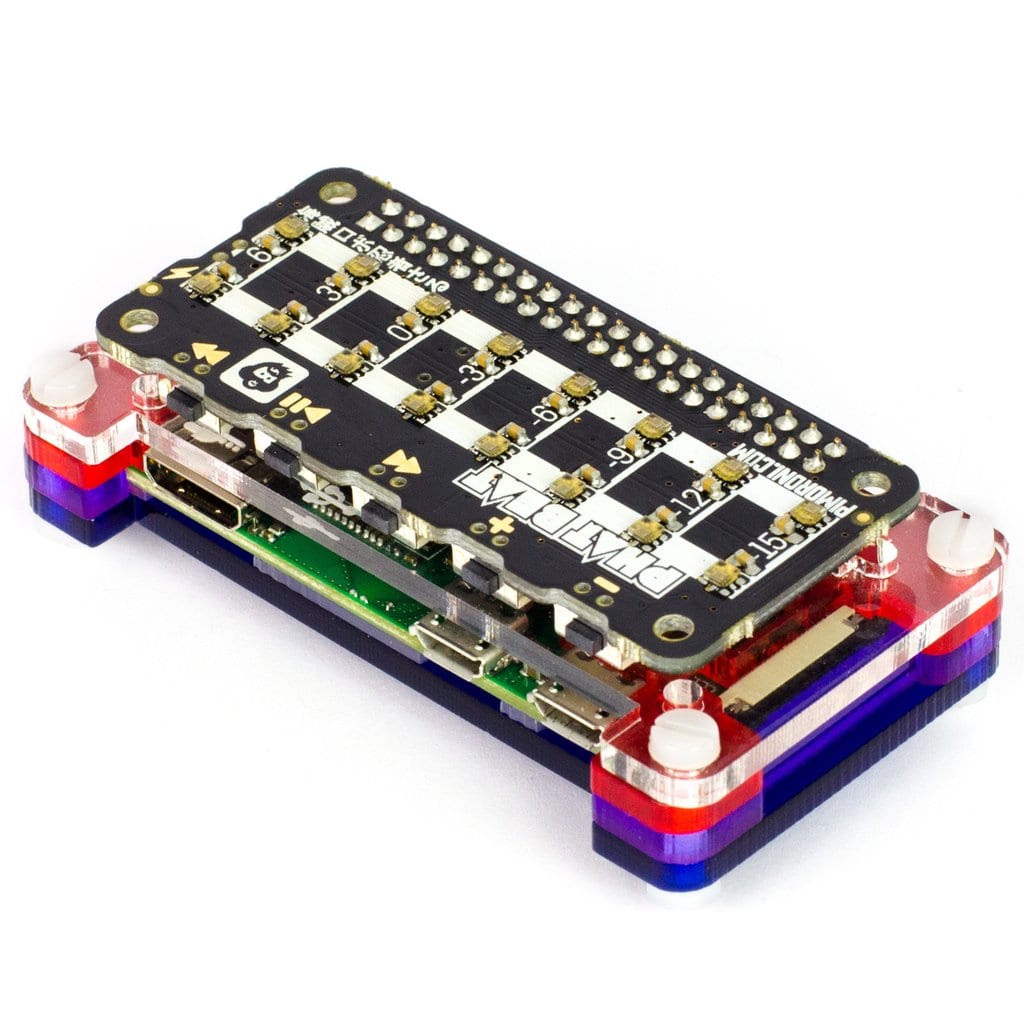
- Compatible with Raspberry Pi 4, 3, 2, B+, A+, Zero and Zero W
- Software installer and ALSA VU meter plugin
- Python library
- pHAT BEAT pinout
- Female header requires soldering
Software
An excellent one-line installer is available in this Python Library to have your pHAT BEAT easily and quickly set up. The ALSA audio (ALSA stands for “Advanced Linux Sound Architecture”) will be reconfigured and routed out through the pHAT BEAT. The VU meter plug-in will be installed, and immediately the volume levels will be displayed. If you want, you may disable it and code the LEDs yourself.
This software does not support Raspbian Wheezy.
Pimoroni Name: pHAT BEAT [PIM267]
Show only reviews in English (0)
You must be logged in to post a review.


-
10,94€
GPIO Pogo Pins senza saldatura
-
15,24€
Mini Black HAT Hack3r
-
17,08€
pHAT Stack completamente assemblato
-
25,69€
LoRa Transceiver Radio Bonnet RFM69HCW
-
29,23€
DC & Stepper Motor Bonnet
-
Original price was: 64,99€.45,50€Current price is: 45,50€.
Keybow Kit: 12 Clicky Keys (Raspberry Pi Included)
-
Original price was: 64,99€.45,50€Current price is: 45,50€.
Keybow Kit: 12 Linear (Raspberry Pi Included)
-
Original price was: 21,81€.15,27€Current price is: 15,27€.
Keybow Kit: 3-key Clicky keyboard




 5% discount on every order reviewed!
 Raspberry Pi IN STOCK!

Reviews
There are no reviews yet.