




&media=https://www.pilover.com/wp-content/uploads/2019/08/Breakout-Garden-pHAT.jpg)
Breakout Garden pHAT (I2C)
11,73€
Only 1 left in stock

 Do you have any further questions?
 Breakout Garden pHAT: usa più di un breakout in contemporanea
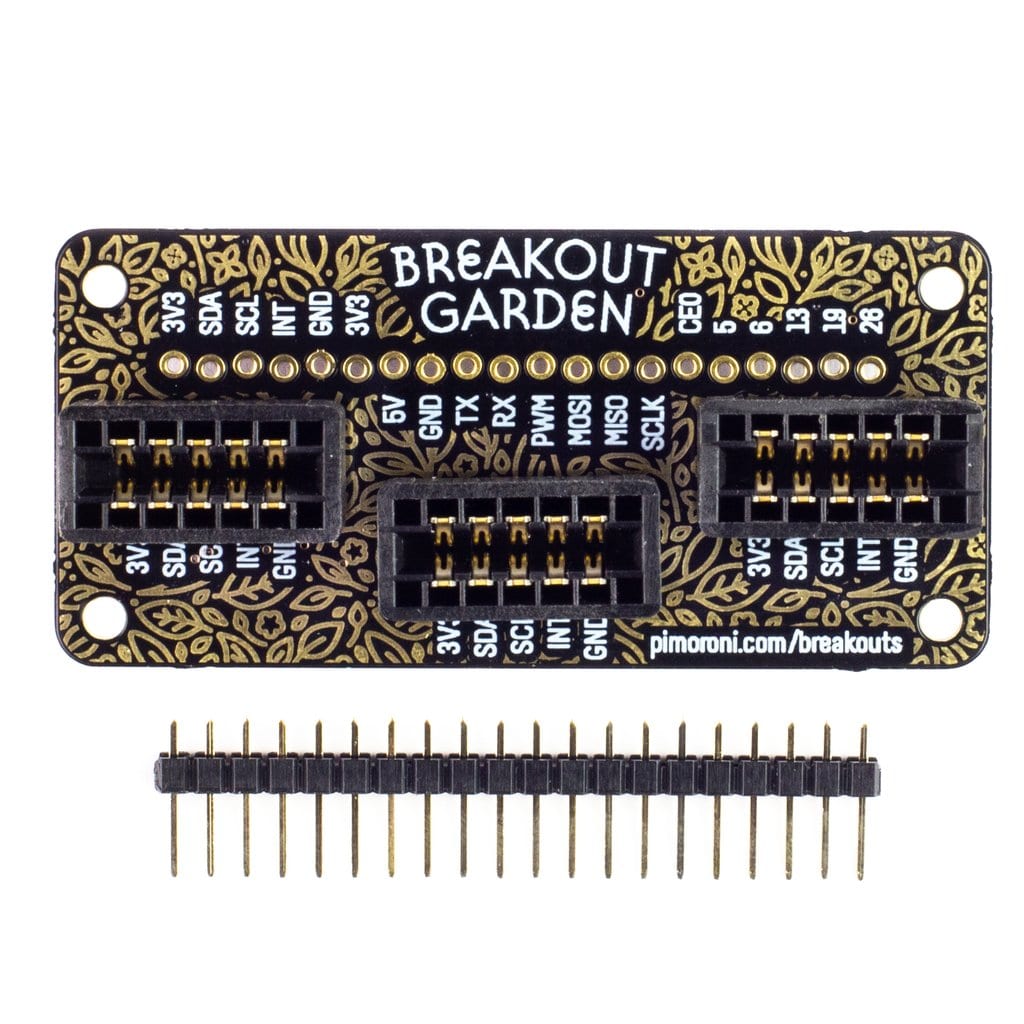
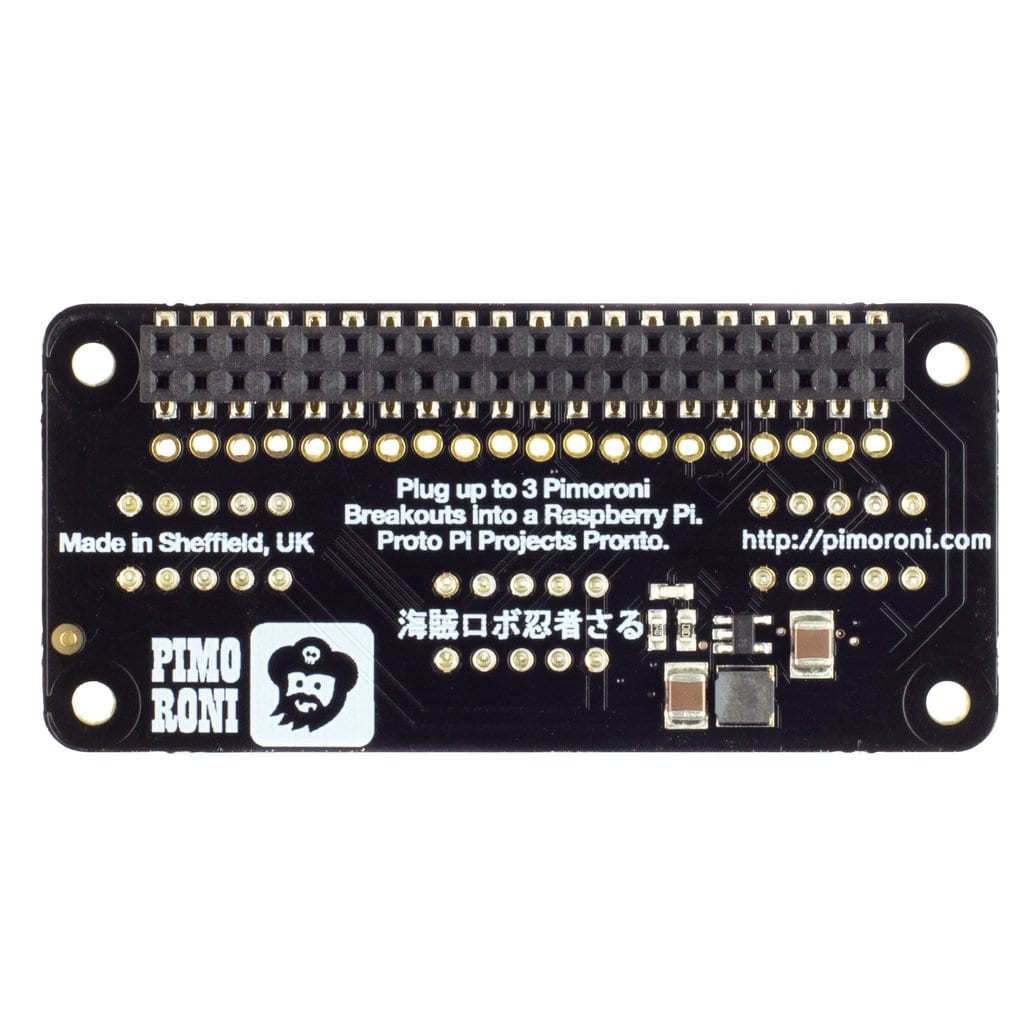
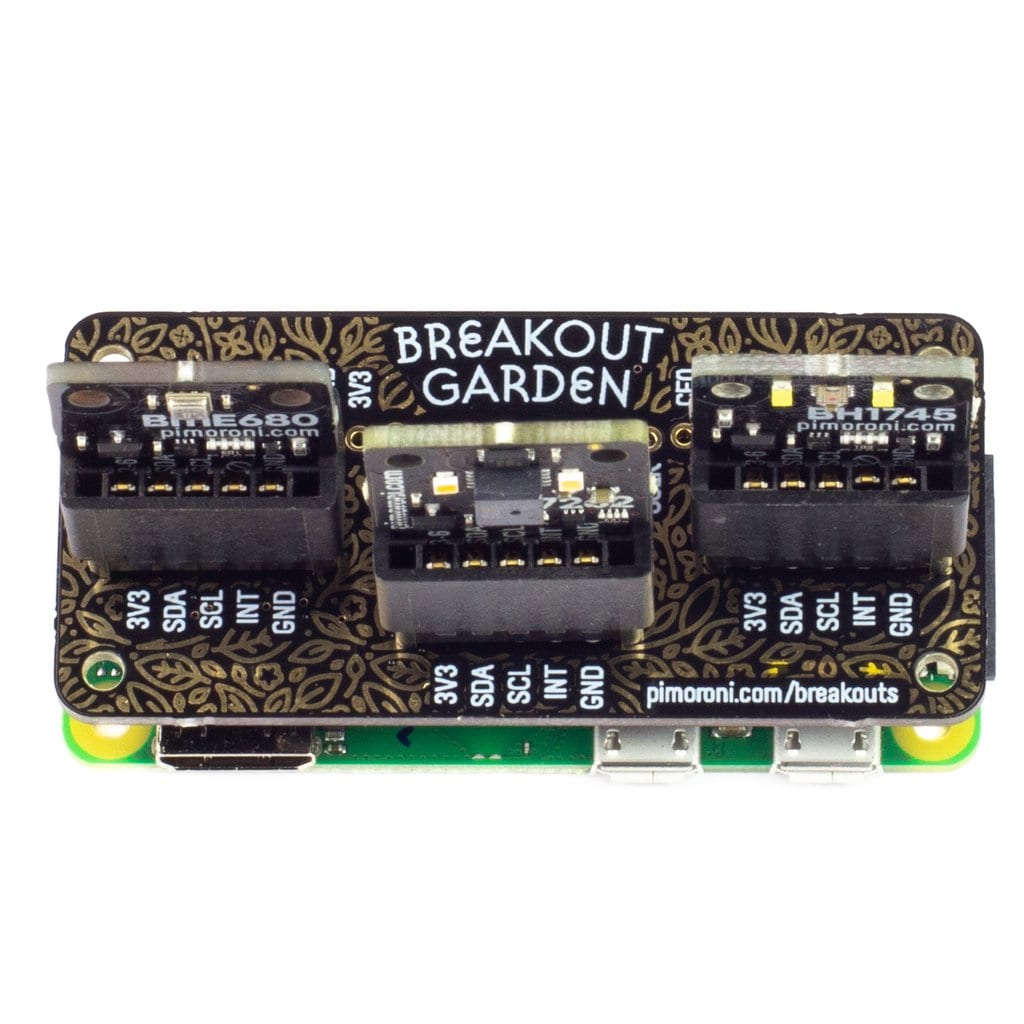
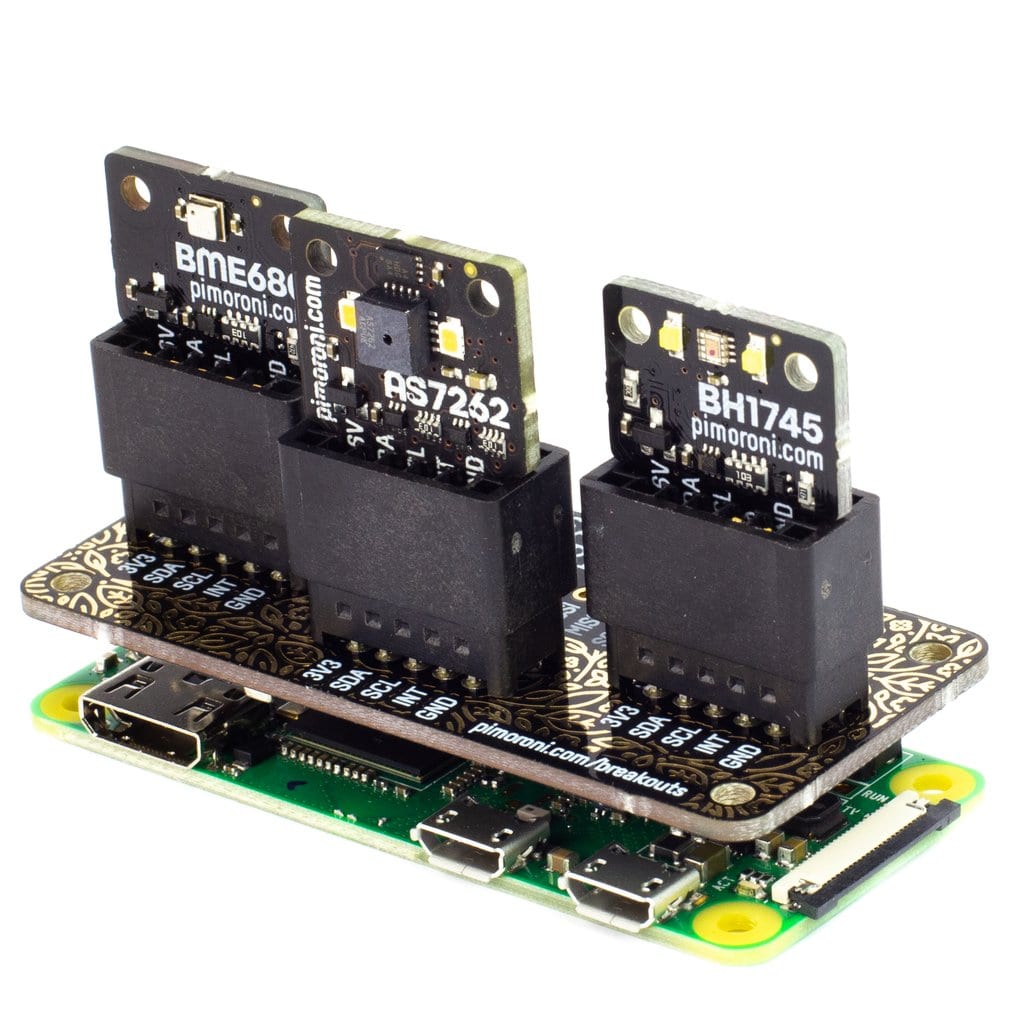
If you want to use more than one breakout at once with your Raspberry Pi, this product lets you do it in the simplest way. No soldering is required. Just plug up to three Pimoroni breakouts into the slots on the Breakout Garden pHAT, and you’re ready to start using them.
This pHAT is ideal for prototyping projects without soldering, complex wiring, or breadboards. Thanks to how the Breakout Garden pHAT works, you can also easily change your setup whenever you want.
Breakout Garden pHAT has three connector slots that link the 5 pins of each Pimoroni breakout to the corresponding power and I2C (data) pins on your Raspberry Pi board. Since I2C is a bus, you can use multiple I2C devices at the same time, as long as they don’t share the same address. Keep in mind that Pimoroni breakouts have unique addresses.
Breakout Garden pHAT Features:
- Three connector slots for Pimoroni breakouts
- 5-pin connectors, 0.1″ pitch
- Broken-out pins (male header strip – 1×10 – included)
- Reverse polarity protection (built into the breakouts)
- pHAT-format board
- Compatible with Raspberry Pi 4 B, 3 B+, 3, 2, B+, A+, Zero, and Zero W
How to Use the Breakout Garden pHAT
I2C (the protocol used by the Breakout Garden pHAT) works in such a way that you can plug your Pimoroni breakout into any slot you choose on the board. All I2C devices have their address printed on the back of each breakout, allowing them to clearly identify themselves to other I2C devices and to your Raspberry Pi once connected. Essi rendono chiara la loro identificazione ad altri dispositivi I2C, così che ognuno di loro si identificherà chiaramente al tuo Raspberry Pi, una volta connesso.
Another important feature of Pimoroni breakouts is reverse polarity protection. This means that if you accidentally plug a breakout in the wrong way, it will not cause any issues. However, before inserting them, make sure the labels on the pins of your breakout match the labels on each slot of the Breakout Garden pHAT.
You’ll find many useful pins along the top of the Breakout Garden pHAT. You can easily use them to connect and integrate additional devices into your Breakout Garden projects. If you already have headers soldered onto your Pimoroni breakouts, you can still use this top row of pins together with other breakouts.
Breakout Garden pHAT Software
Go to the “Breakout Garden GitHub repo” and try the simple installation process. Insert your breakouts into the Breakout Garden pHAT, then start the installation. The correct software for the connected breakouts will be installed automatically. Be sure to check out the examples as well. They’re interesting and will show you what you can build with this pHAT.
Pimoroni name: Breakout Garden Mini (I2C) [PIM414]
Show only reviews in English (0)
You must be logged in to post a review.
-
16,32€
Breakout Garden HAT (I2C)
-
19,26€
Breakout Garden HAT (I2C, SPI)
-
23,91€
Explorer HAT Pro
-
11,73€
Breakout Garden Extender kit (3 pairs)
-
17,08€
pHAT Stack completamente assemblato
-
19,97€
Mini PiTFT – 135×240 Colour TFT
-
8,55€
Matrice LED Charlieplex – 9×16 Bianchi
-
8,55€
Matrice LED Charlieplex – 9×16 Blu




 5% discount on every order reviewed!
 Raspberry Pi IN STOCK!

Reviews
There are no reviews yet.