





ProtoZero
5,80€
In stock

 Do you have any further questions?
 ProtoZero: prototyping board for Raspberry Pi
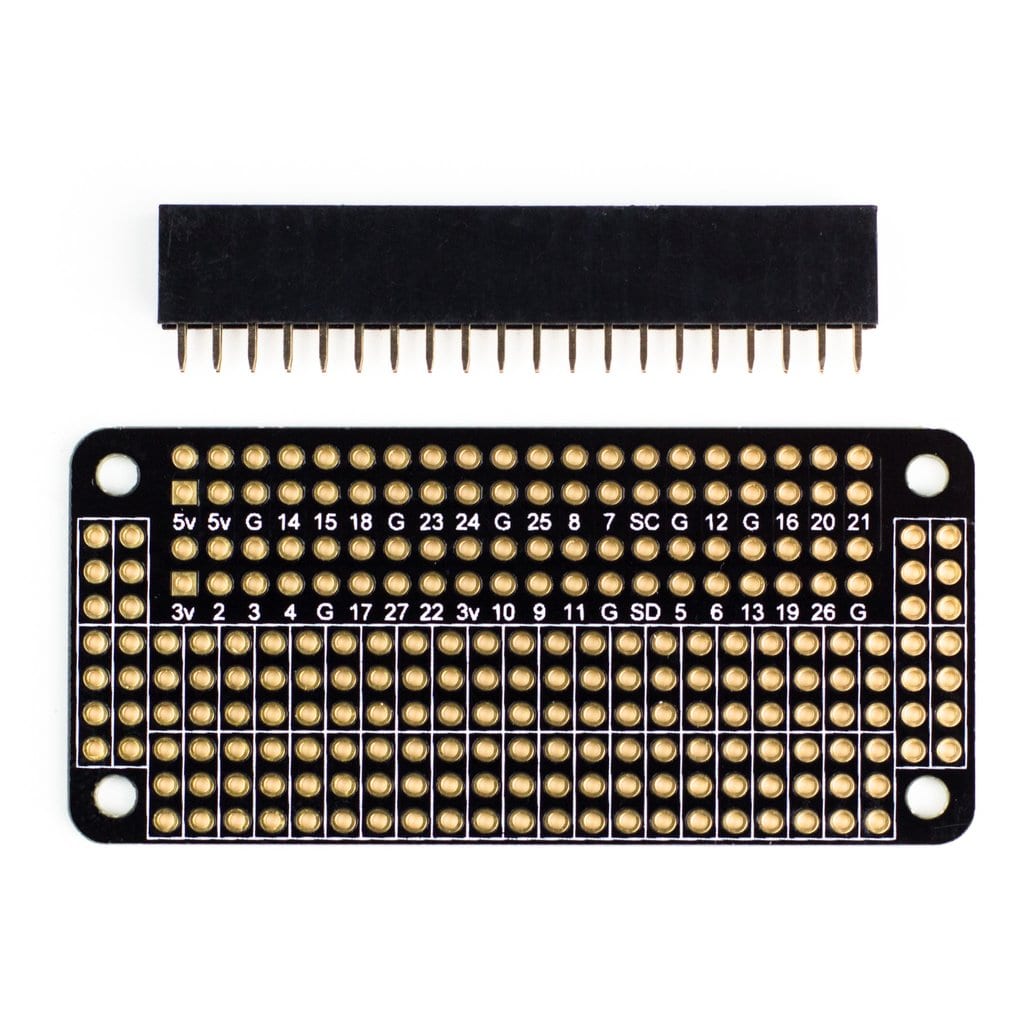
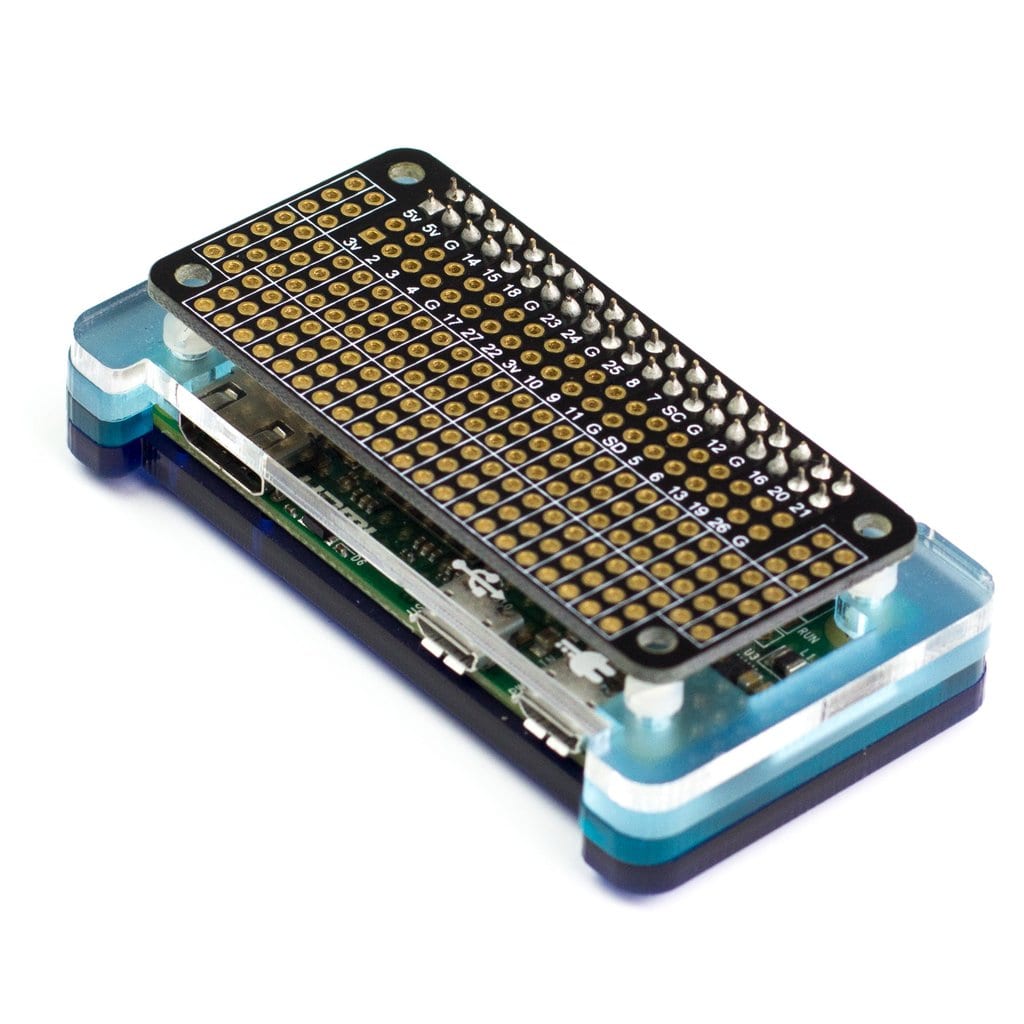
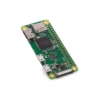
The ProtoZero is a prototyping board, breadboard-style, meant for the Raspberry Pi Zero series, although it fits also the Raspberry Pi A+, Pi B+ and Pi2.
Thanks to its design, your messy Raspberry Pi breadboard projects can be easily moved to a PCB.
After adding the components you like to the prototyping area, connect GPIO, GND and power as required and then solder it all up.
ProtoZero Features are:
- Full breakout of the PiZero’s 40-Pin GPIO header, ready to connect to your project
- 154 holes of prototyping area – to further facilitate the connection of your components to the Raspberry Pi, they are arranged in lanes of 3+
- Labelled GPIO numbers together with printed lanes are located on both sides on the board
- High-quality ENIG (Electroless nickel immersion gold) PCB plating
- Female GPIO header is included
- Soldering of the GPIO header is the only assembly requirement
IMPORTANT NOTES
You must make sure that the female GPIO header is fitted in to the PCB with the as shown in the picture below:

Now turn the PCB, ensure the female GPIO header is correctly fitted to the outer GPIO section, and then solder the header from the top face of the PCB, as shown in the picture below.

If you would like to have more ideas about what to do with your new ProtoZero, click on this link: Some ideas of how to move your project to a PCB.
Pimoroni name: ProtoZero
Show only reviews in English (0)
You must be logged in to post a review.
-
23,91€
Explorer HAT Pro
-
Original price was: 2,55€.1,27€Current price is: 1,27€.
PiCan Prototyping Shield
-
2,98€
JST-PH 2-Pin Right-Angle SMT Connector
-
12,86€
KIT GPIO Header Pin a Incastro (Maschio, Femmina, Tool)
-
14,80€
Raspberry Pi Debug Probe
-
9,93€
Swirly Aluminum Mounting Grid – 10×5
-
6,13€
Active Cooler for Raspberry Pi 5
-
25,99€
Set of M2.5 black nylon screws and standoffs


-
3,84€
Header Femmina 2.54 40pin 11mm
-
3,96€
Jumper Jerky Maschio/Maschio
-
6,46€
Cavi con clip coccodrillo a jumper (Dupont) maschio (6 pz)
-
6,46€
Cavi con mini clip coccodrillo (12 pz)
-
1,84€
Mini aluminium heatsink -13x13x3mm
-
1,84€
Connettore sottile Micro USB maschio tipo B – DiY
-
1,84€
Connettore USB femmina tipo A – DiY
-
1,84€
Connettore Micro USB femmina tipo B – DiY



 5% discount on every order reviewed!
 Raspberry Pi IN STOCK!

Reviews
There are no reviews yet.