


 Raspberry Pi IN STOCK!





Raspberry Pi Sense HAT
36,43€
Only 1 left in stock

 Do you have any further questions?
 Raspberry Pi Sense HAT: sensors with an LED matrix
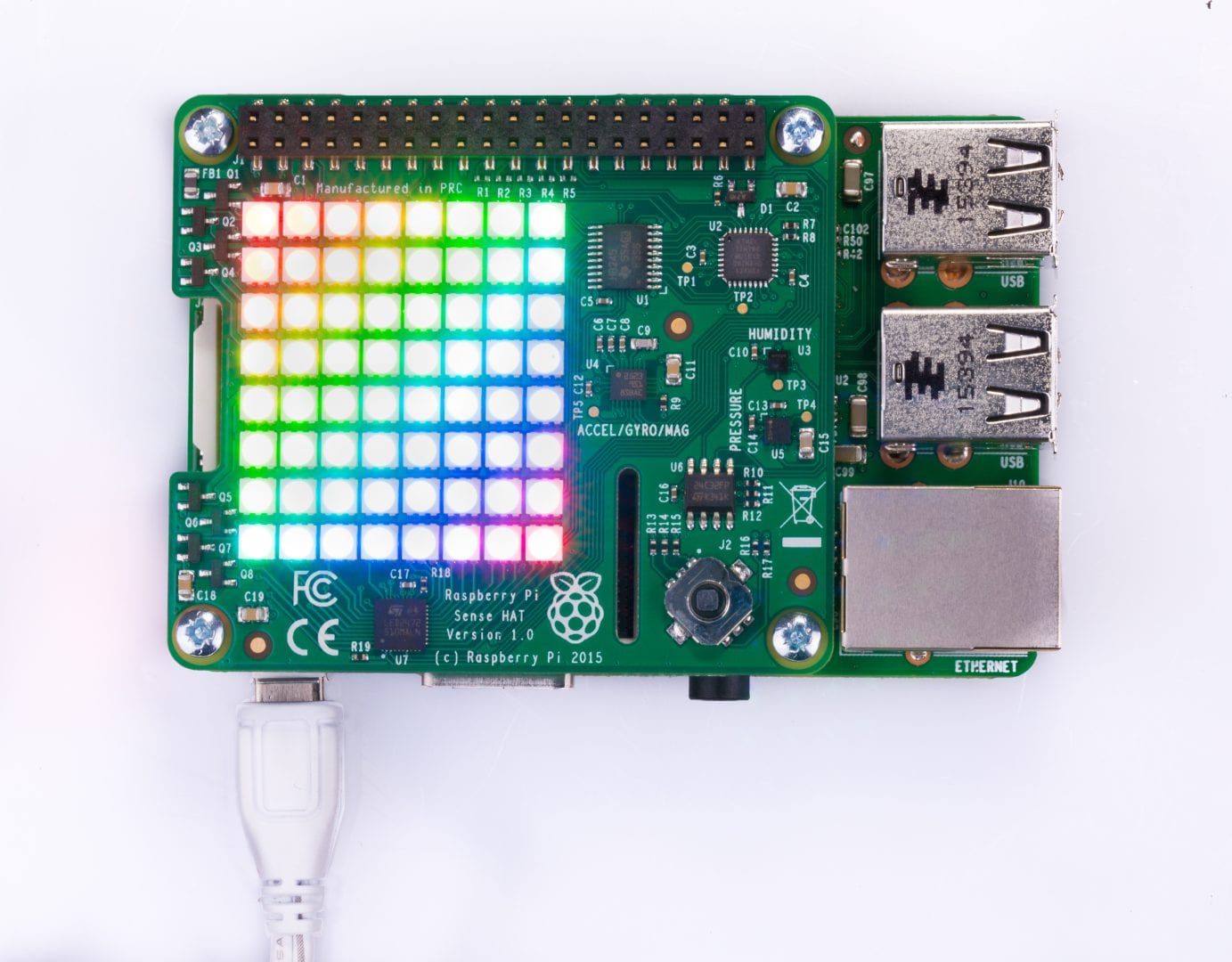
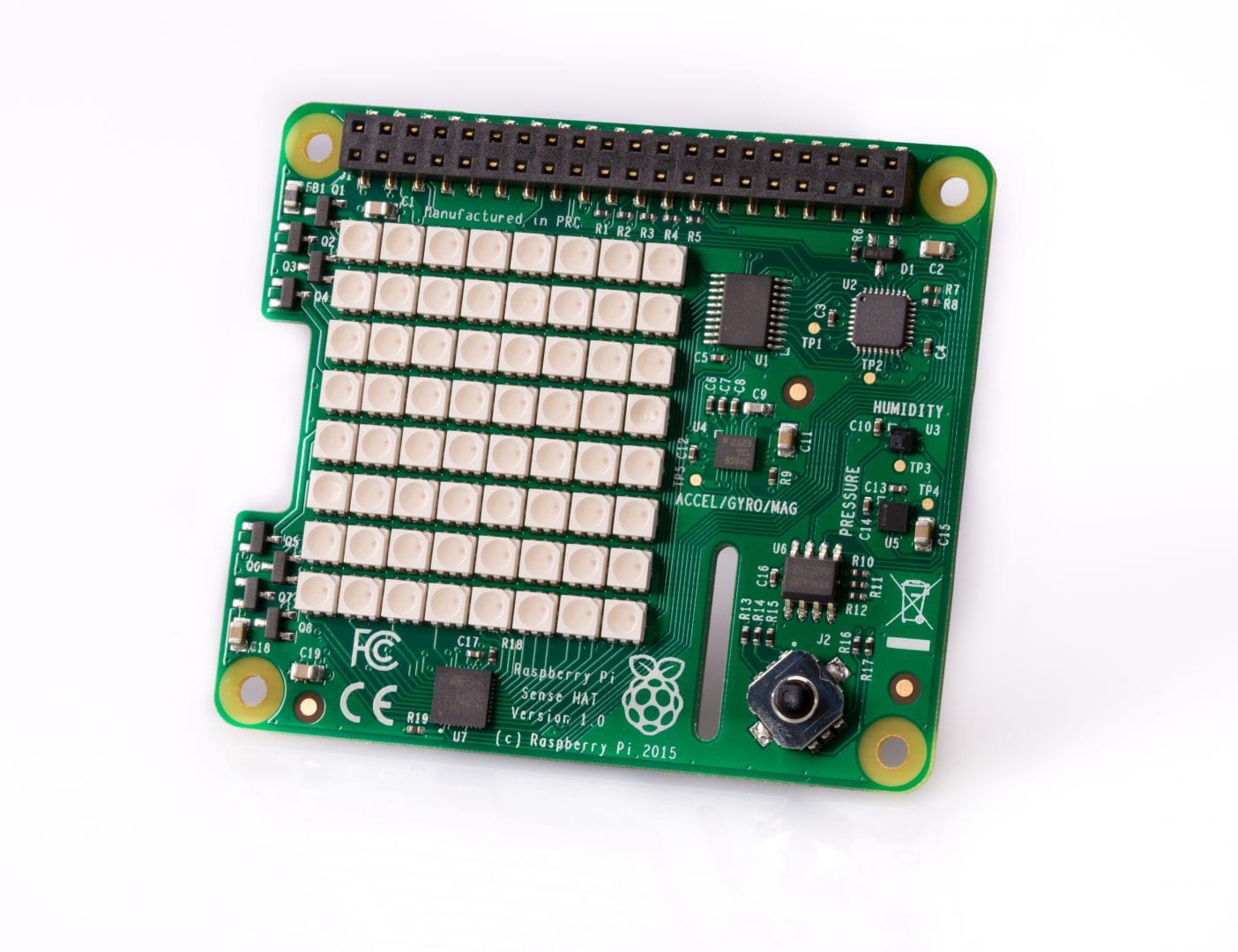
With the Sense HAT you can turn your Raspberry Pi board into an Astro PI. This HAT comes with a fantastic 8×8 LED matrix and handy sensors to calculate pressure, temperature, humidity and orientation.
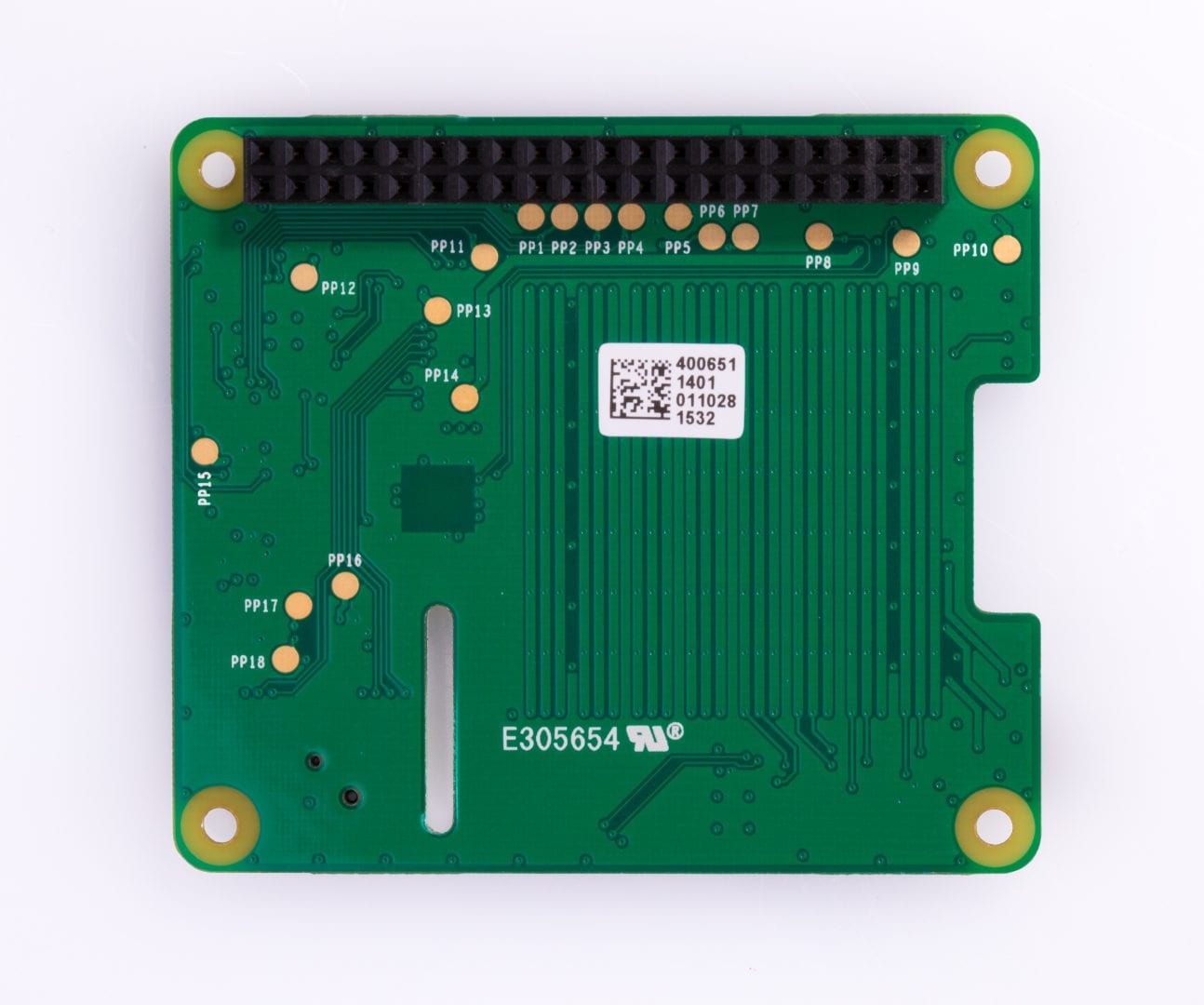
To carry on several types of experiments, applications and games, using the integrated circuit based sensors, just connect the HAT to your Raspberry Pi‘s GPIO pins.
These sensors will allow you to read:
- Orientation (yaw, pitch & roll) via a 3D gyroscope and magnetometer and an accelerometer
- Pressure
- Humidity
- Temperature
The Sense HAT is surprisingly multifunctional and can provide different types of projects for your Raspberry Pi board. This sensor can measure the speed, as for example, how fast your Raspberry Pi is traveling, the temperature (is it hot or cold?), the humidity of the air and, also, the direction your Raspberry Pi is facing.
Thanks to its LED Matrix, you are able to show the various sensors’ data, by programming a compass using the magnetometer you can discover which way the geomagnetic North is or, you could simply use it with a joystick to play games such as Tetris, Snake and Pong. The joystick can also enable you to interact with the programs that are running on your Raspberry Pi Sense HAT.
You can easily get started to write programs for the Sense HAT by checking out this HAT’s available Python library. For scientific investigative projects in space consult Astro Website. It will give you plenty of ideas and instructions to use your Raspberry Pi and Sense HAT on the ISS (International Space Station).
How to get started with your Sense HAT?
First connect the Sense HAT to the Raspberry Pi board via the 40 GPIO Pins. After that, you will need to install the software. To install it you have to open.up a terminal and run this command: wget -O – http://www.raspberrypi.org/files/astro-pi/astro-pi-install.sh –no-check-certificate | bash
Depending on the Raspberry Pi board version, it will take different time to install the software. If you are installing it on a Raspberry Pi 2 Model B, it is going to take about 5 minutes to run while on earlier Raspberry Pi board’s models it is going to take about 20 minutes.
Reboot your Raspberry Pi once the install has finished.
Sense HAT Technical Specifications:
- Gyroscope: Angular rate sensor: +/-245/500/2000dps
- Accelerometer: Linear acceleration sensor: +/-2/4/8/16 g
- Magnetometer: Magnetic Sensor: +/- 4/8/12/16 gauss
- Barometer: 260 – 1260 hPa absolute range (accuracy depends on the temperature and pressure, +/- 0.1 hPa under normal conditions)
- Temperature sensor: Temperature accurate to +/- 2 degC in the 0-65 degC range
- Relative Humidity sensor: accurate to +/- 4.5% in the 20-80%rH range, accurate to +/- 0.5 degC in 15-40 degC range
- 8×8 LED matrix display
- Small 5 button joystick
As the board heats up, these sensors’ temperature readings will not accurately reflect ambient temperature.
Show only reviews in English (0)
You must be logged in to post a review.


 5% discount on every order reviewed!

Reviews
There are no reviews yet.