


 Raspberry Pi IN STOCK!




Keybow Kit: 3-key linear keyboard
Original price was: 21,81€.15,27€Current price is: 15,27€.
Lowest price in the last 30 days: 21,81€
Discount -30%In stock

 Do you have any further questions?
 Keybow Kit: 3-key linear mini keyboard
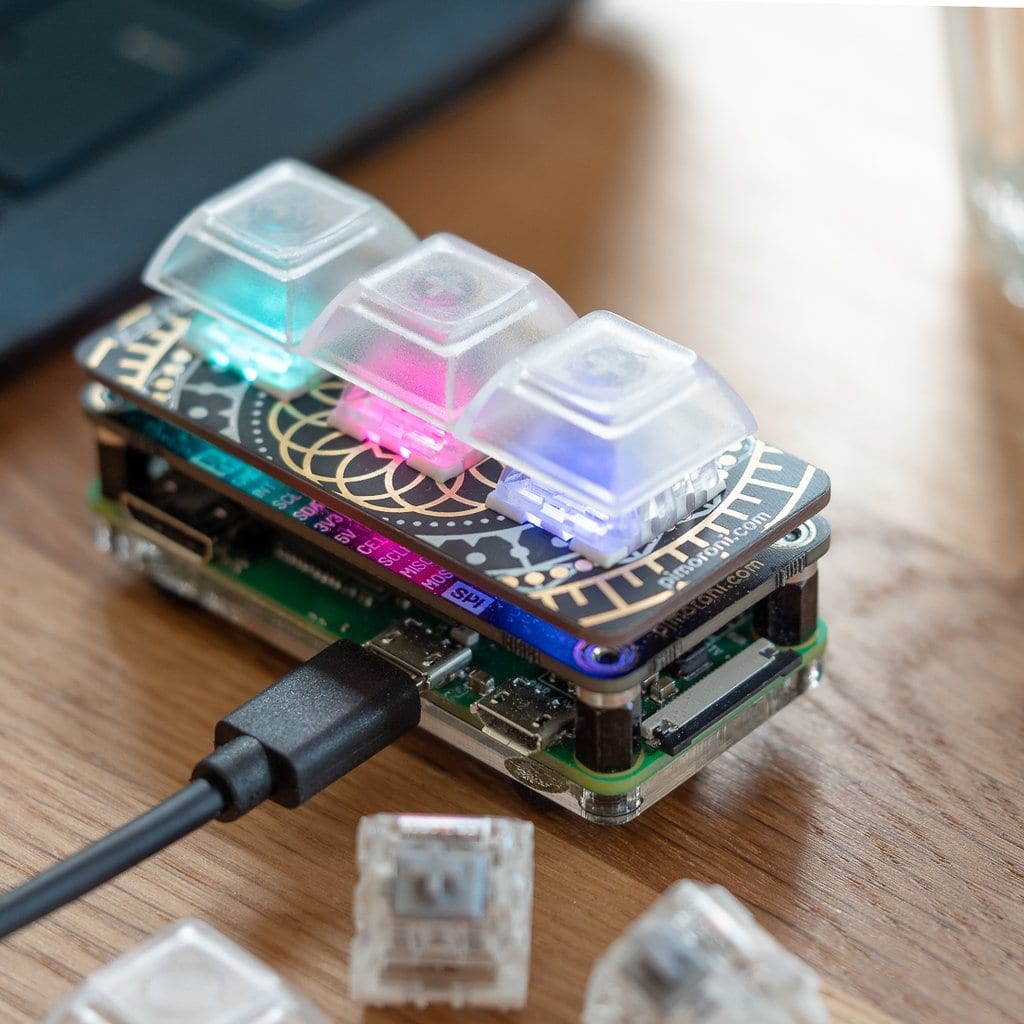
Keybow MINI is a three-key mechanical keyboard. It features RGB backlit mechanical switches, hot-swap sockets, and transparent keycaps. If you want to enhance your desk with a tiny macro pad, this is the ideal product. It can also be used as a small osu! controller.
If you want to build your own mini macro pad, this kit includes everything you need. You only need to add a microSD card and a Raspberry Pi Zero WH (not included).
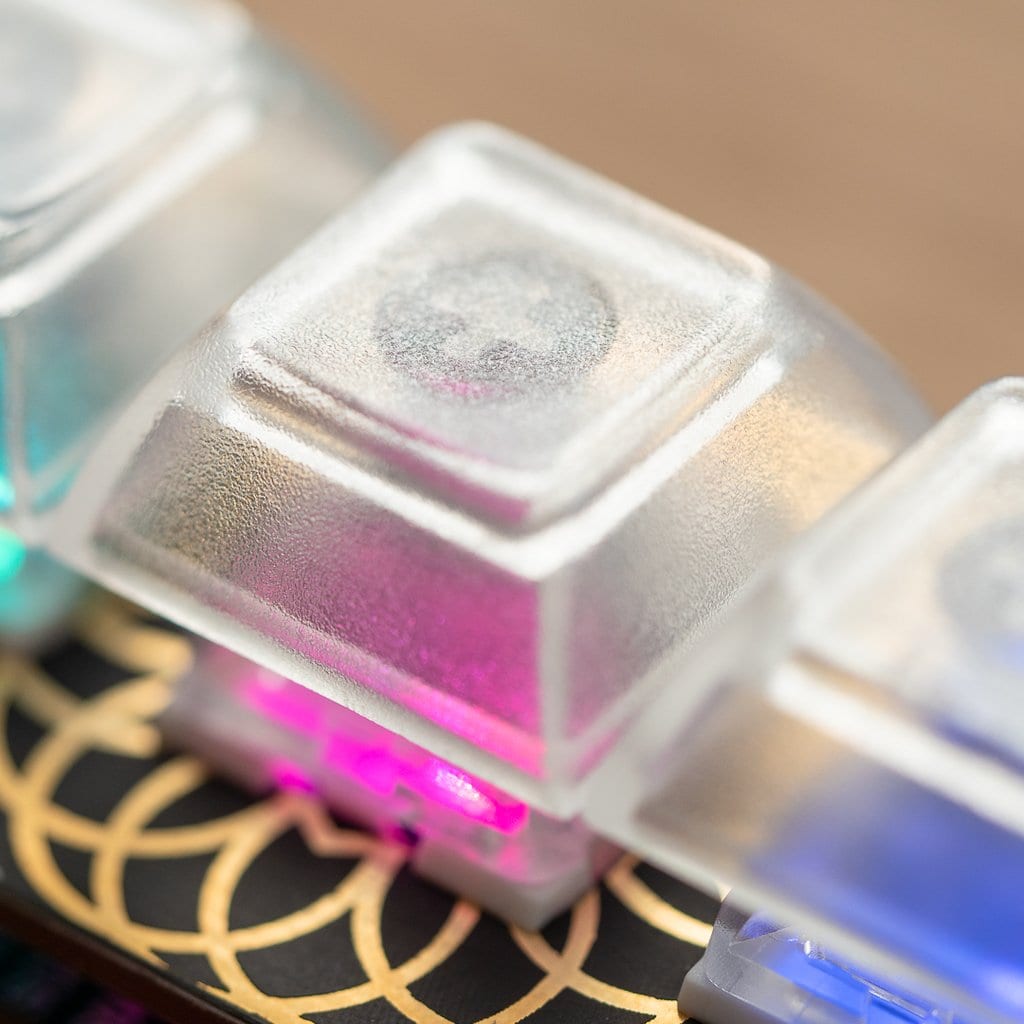
The Keybow MINI kit includes Kailh Speed linear switches (silent, silver colour) with transparent DSA-profile keycaps. Because they are transparent, they look stunning when illuminated by the per-key RGB lighting. The Kailh hot-swap sockets make soldering completely unnecessary.
Keybow MINI kit (linear keys) includes*
- Keybow MINI PCB
- Switch plate
- 3 Kailh Speed switches (linear, silent, silver)
- 3 transparent DSA keycaps
- Acrylic base plate
- Standoffs and rubber feet
- 50 cm Micro-USB cable
- Reusable packaging box
*Please note: you must add a microSD card and a Raspberry Pi Zero WH (not included in this kit).
Its performance as a media controller is excellent: it can control volume up/down/mute or previous/play-pause/next track with simple key mapping. It can also be used as an osu! controller. It supports complex multi-step macros, for example automating tasks such as opening a new email and inserting predefined text templates.
The Keybow MINI works best with a Raspberry Pi Zero WH with pre-soldered header. Using USB HID gadget mode on the Raspberry Pi Zero, it behaves like a real keyboard. Simply connect it to your computer via USB cable (included). The RAM-disk based custom Keybow OS, along with its Lua interface, makes both layout and lighting fully customisable. It is compatible with Mac, Windows, and Linux.
Keybow MINI (linear keys) features:
- RGB LED per key (APA102)
- Kailh hot-swap switch sockets (Cherry MX compatible)
- 40-pin female header
- I2C and SPI breakout header for add-ons
- Custom Keybow OS
- Compatible with Raspberry Pi 4, 3B+, 3, 2, B+, A+, Zero, and Zero W
- Assembled size: 68.5 × 31.75 × 39 mm
How to assemble Keybow MINI
Like standard pHATs, the Keybow MINI PCB features a 40-pin female header that connects directly to the 40-pin male header on your Raspberry Pi Zero WH. While the Raspberry Pi Zero WH is mounted on the acrylic base plate, everything is held together securely using metal standoffs. The rubber feet prevent the Keybow MINI from sliding, keeping it stable on your desk.
Switch mechanics
The included DSA keycaps are transparent with a lightly frosted finish, enhancing the RGB lighting effect. They diffuse light beautifully, and their flat profile is ideal for the compact size of Keybow MINI.
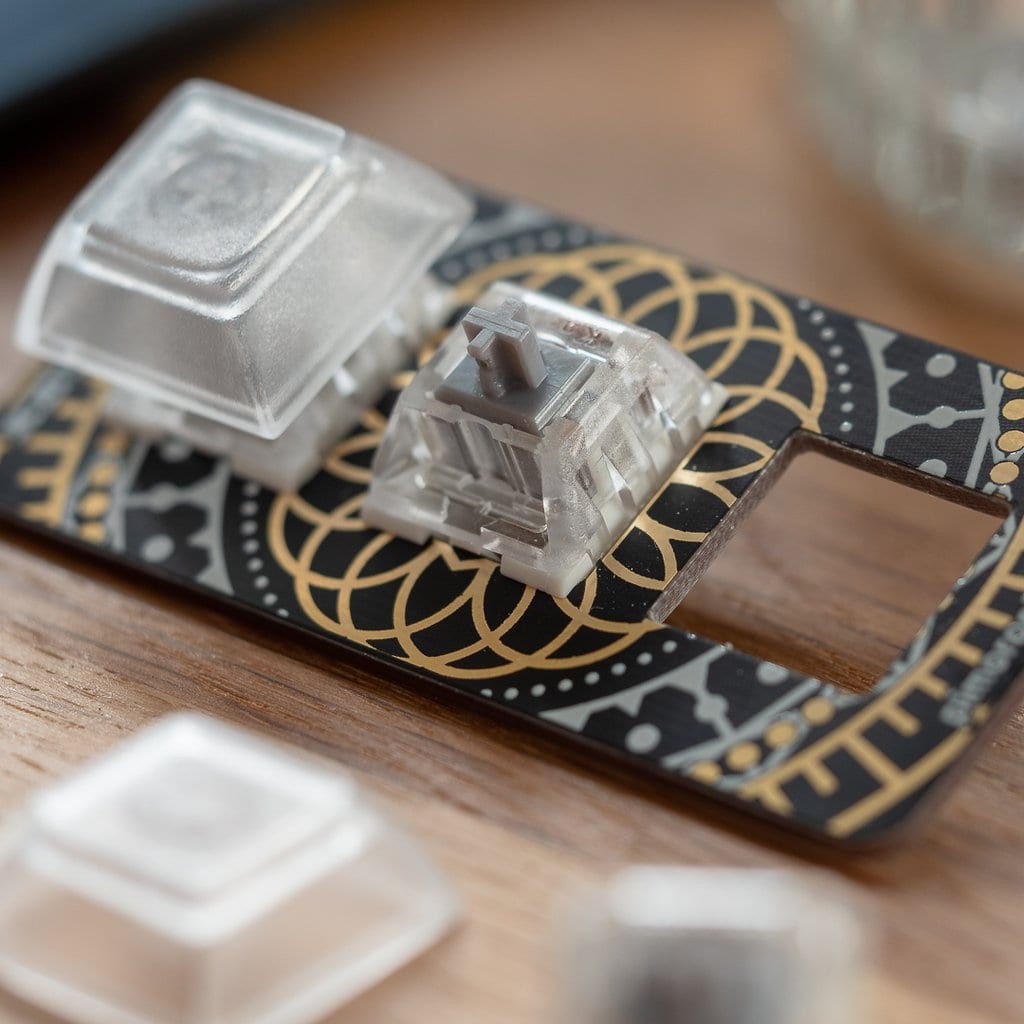
No soldering is required, as the switches snap into the switch plate on the PCB and then slot into the Kailh hot-swap sockets. This makes assembly extremely easy and allows switches to be changed later if desired.
If you plan to use different switches on this Keybow MINI, ensure they have enough clearance underneath for the surface-mounted LEDs.
Keybow MINI lighting
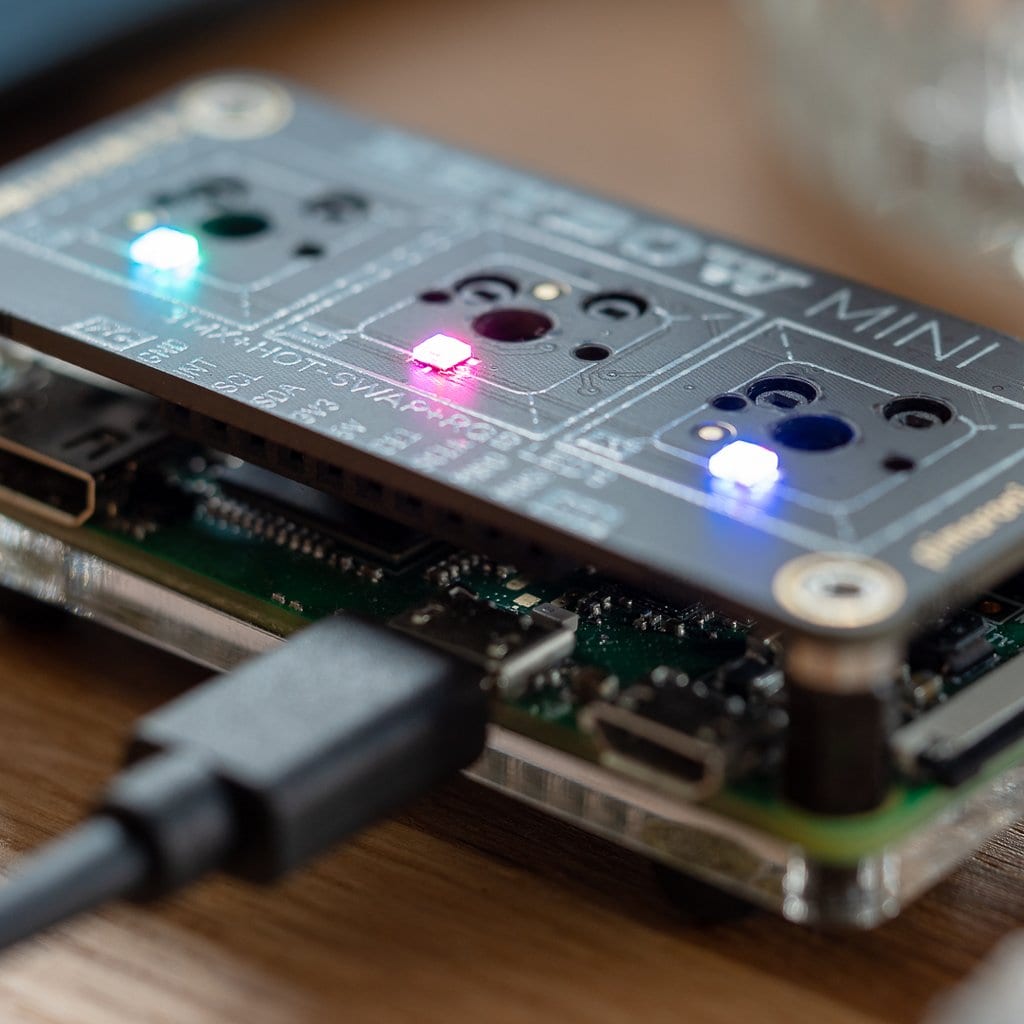
The LEDs used are the same APA102 RGB LEDs found on Picade Plasma PCBs. Each key has its own LED, shining beautifully through the transparent keycaps.
If you choose to light up and animate the LEDs on your Keybow MINI, you can create a PNG file with a custom colour pattern. This will be animated across the LEDs from the top to the bottom of the image, and displayed according to the PNG’s intensity.
The LEDs can also be manually assigned to a single key or to multiple keys, bypassing the animation, or you can choose to have them light up only when they are pressed.
Example animations are available, or you can create your own using any graphics software.
Keybow MINI key layout and configuration
The main advantage of Keybow MINI is full customisation. Each of the three keys can be mapped to any keyboard input, key combination, or text string.
The Keybow software uses the Raspberry Pi Zero WH USB OTG port and USB HID mode, so it behaves like a standard USB keyboard when connected to a computer.
The lightweight OS runs from a RAM disk, ensuring fast boot times, resilience on disconnect, and no risk of SD card corruption.
To customise layout and lighting of your Keybow MINI, simply edit the keys.lua file on the microSD card.
Remember to add keybow.use_mini() in the setup function to correctly map the smaller layout, and use handle_minikey_xx for each key function name.
Pimoroni name: Keybow Kit (3-key) – Linear (quiet) keys [PIM451]
Show only reviews in English (0)
You must be logged in to post a review.
-
Original price was: 21,81€.15,27€Current price is: 15,27€.
Keybow Kit: 3-key Clicky keyboard
-
Original price was: 64,99€.45,50€Current price is: 45,50€.
Keybow Kit: 12 Clicky Keys (Raspberry Pi Included)
-
Original price was: 64,99€.45,50€Current price is: 45,50€.
Keybow Kit: 12 Linear (Raspberry Pi Included)
-
11,04€
Encoder per micro motoriduttore (2 PZ)
-
43,36€
Ultimate GPS HAT
-
1,98€
Distanziatori M2.5 da 16mm in ottone (2 pz)
-
1,41€
Distanziatori M2.5 da 11mm in ottone (2 pz)
-
Price range: 0,39€ through 2,96€
Silicone USB C Dust Cover Insert


-
9,90€
Cavo prolunga per scheda Micro SD
-
10,97€
Interruttore a tasto meccanico Kailh (10 PZ)
-
35,59€
RasPiKEY: SD Plug&Play eMMC 16GB
-
69,44€
HyperPixel 4.0″ Square Non-Touch
-
41,70€
LoRa Radio Transceiver Bonnet RFM95W
-
25,69€
LoRa Transceiver Radio Bonnet RFM69HCW
-
29,23€
DC & Stepper Motor Bonnet
-
Original price was: 64,99€.45,50€Current price is: 45,50€.
Keybow Kit: 12 Clicky Keys (Raspberry Pi Included)


 5% discount on every order reviewed!

Reviews
There are no reviews yet.